
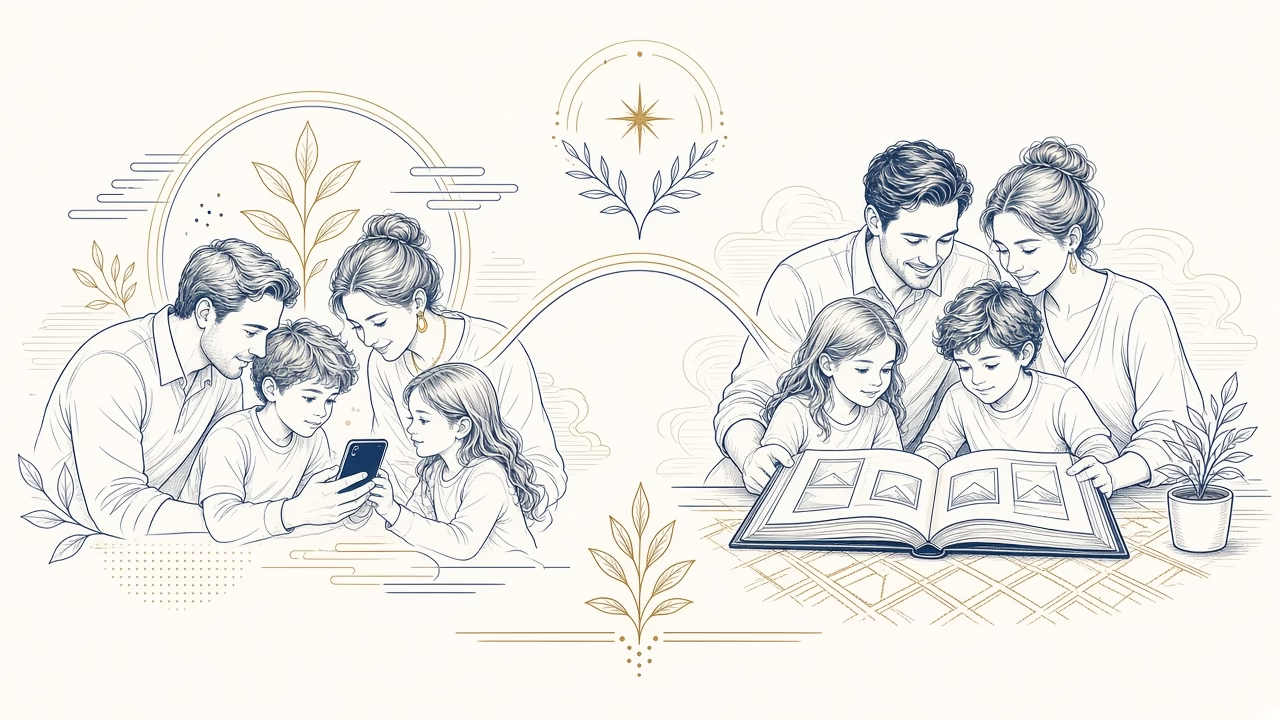
Why photographs on a phone do not replace a photo album
For many people, a phone is both the most immediate camera and the most accessible picture library. That convenience is a genuine strength, not something to dismiss. However, rapidly scrolling through thousands of files does not always provide the focus, sequence and shared experience created by a carefully edited album.
Two formats with different jobs
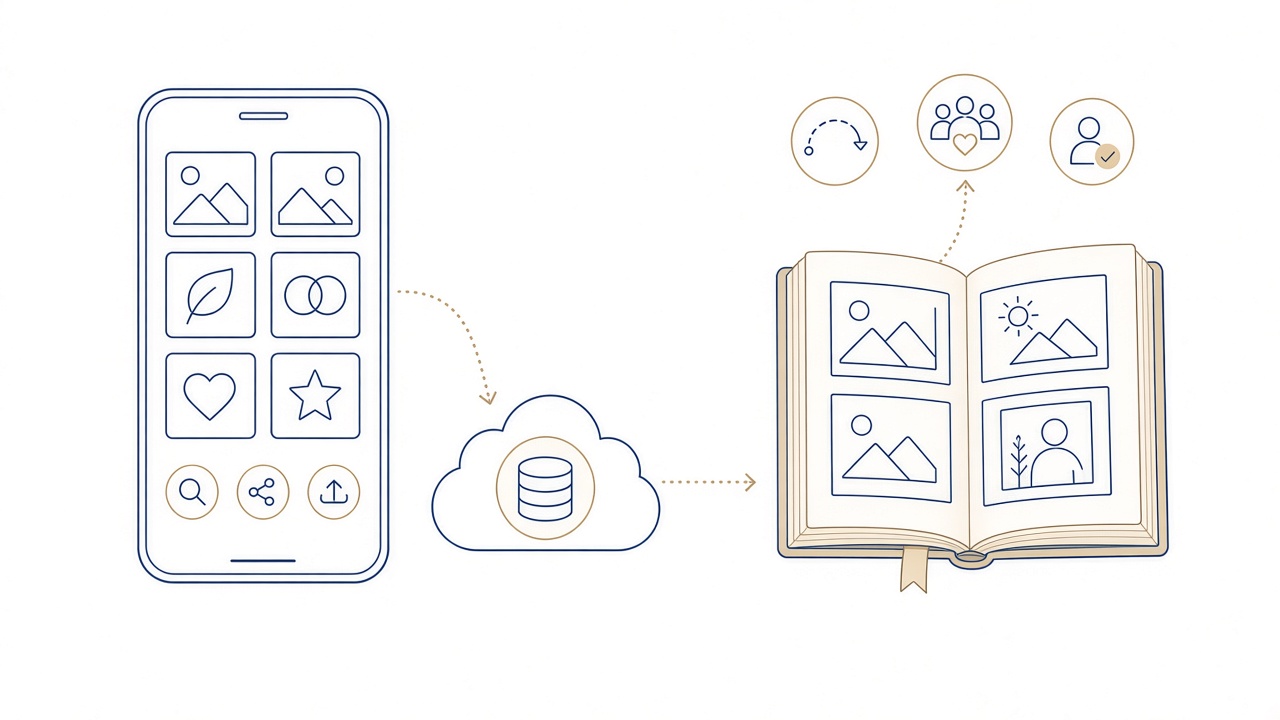
A phone supports capture, search and quick sharing. An album arranges a limited sequence so that pictures work together and the story has a beginning, progression and ending.
Selection creates meaning
Deciding what belongs and what stays out identifies the moments that genuinely support the story. Curation is not merely deletion; it is part of remembering and explaining.
Context instead of an endless feed
Captions, dates, places and page order explain relationships that a single file may not reveal. An album connects people, events and small details across time.
A shared viewing experience
An open album can move from hand to hand and prompt conversation. It does not demand notifications, scrolling or control of somebody else’s personal device.
Access without an account
Someone can view an album without a password, connection or particular application. This is especially useful at family gatherings and when different generations explore pictures together.
Digital originals still matter
Making an album does not remove the need to safeguard original files. Keep organised backups in more than one location and check periodically that they can be opened.
Moving from phone to page
Create a selection folder, remove near-duplicates and group images by period or event. This preparation makes page design calmer and exposes important gaps before ordering.
The photobook as a modern option
A photobook combines printed pages with controlled layouts. It can be designed in a browser and gives photographs a consistent visual setting without replacing the digital archive.
For more detail, read the related Photo Panorama guide. You can turn a phone selection into a photobook.
What changes when pictures acquire pages
A phone excels at immediate access. It searches dates, sends pictures within seconds and is usually close at hand. That ease also brings notifications, rapid scrolling and a library in which treasured frames sit beside receipts, screenshots and experiments. An album removes those distractions and asks the viewer to attend to a finite choice.
In an album, placing two photographs together can explain a relationship: before and after, person and place, wide scene and telling detail. Their order comes from a human decision rather than the device’s sorting logic. Viewing therefore feels more like following a narrative and less like searching through storage.
Physical access matters when a relative does not use cloud services, cannot recall passwords or simply prefers to sit at a table with other people. An album creates a shared pace. Someone pauses at a page, asks for a name and contributes a story that might otherwise remain unrecorded.
None of this makes the phone disposable or turns paper into a backup. Digital originals require more than one organised copy, while the album provides curated access to a particular selection. If a device is lost or an account changes, sound backups protect all the images that were not included on its pages.
Online Photobook connects the two experiences. Select files from a phone, tablet or computer, design in the browser without downloading an app, then choose the cover and arrange the pages. The finished book does not compete with the digital library; it gives one particular story a deliberate beginning, middle and ending.
Cooperation rather than competition
The most useful approach gives each medium the right job. Use the phone for capture, quick search and daily sharing. Use backups to protect the complete archive. Give the album one edited story intended to be read in order. New pictures need not force a redesign of the old book; they can become the next chapter or another volume. The physical collection stays intelligible while the digital library continues to supply the immediacy for which it is well suited.
Frequently asked questions
Is it not more convenient to keep every picture on a phone?
It is convenient for search, immediate sharing and everyday access. An album serves another purpose: it limits the edit, creates sequence and supports attentive viewing without notifications or endless scrolling.
What does an album add to a camera roll?
It adds curation and context. Adjacent pictures, page order and captions connect people, places and events, whereas a camera roll normally sorts all kinds of material principally by date.
Why does shared viewing feel different?
A physical album passes from hand to hand while everyone sees the same page at the same pace. This encourages questions and recollections without asking somebody to surrender control of a personal device.
Can an album be used without a connection or account?
Yes. Its physical form requires no Wi-Fi, password, compatible application or charged device. That helps at family gatherings and gives access to people with different levels of technological confidence.
May I delete the digital originals after making an album?
No. An album contains an edited selection and is not a complete digital copy. Maintain organised backups of the source files in more than one location and verify that they remain accessible.
How can I protect pictures that exist only on my phone?
Transfer them regularly into organised storage and maintain a second independent copy. Confirm that synchronisation actually completed and that you know how to retrieve files if the handset is lost or damaged.
Which is better for children, a phone or an album?
The formats can coexist. A phone retrieves a larger library quickly, while an album gives children a finite, approachable sequence to explore with adults and connect to people’s names and family stories.
How do I turn a phone story into a photobook?
Create a favourites folder, remove duplicates and divide the pictures into chapters. Upload that selection to Online Photobook, arrange the pages and inspect the complete sequence carefully before submitting the order.
Must I install an app to make the photobook?
No. The service runs in a browser on phone, tablet or computer. You can upload photographs, select a cover and arrange pages without downloading a separate application.
Does a photobook replace a traditional slip-in album?
There is no single correct format. A photobook integrates layout and wording into printed pages, while pockets allow separate prints to be moved. Choose according to how you want to view and update the collection.
Your next step
Design your photobook in the browser and give important pictures a clear sequence and context.



