
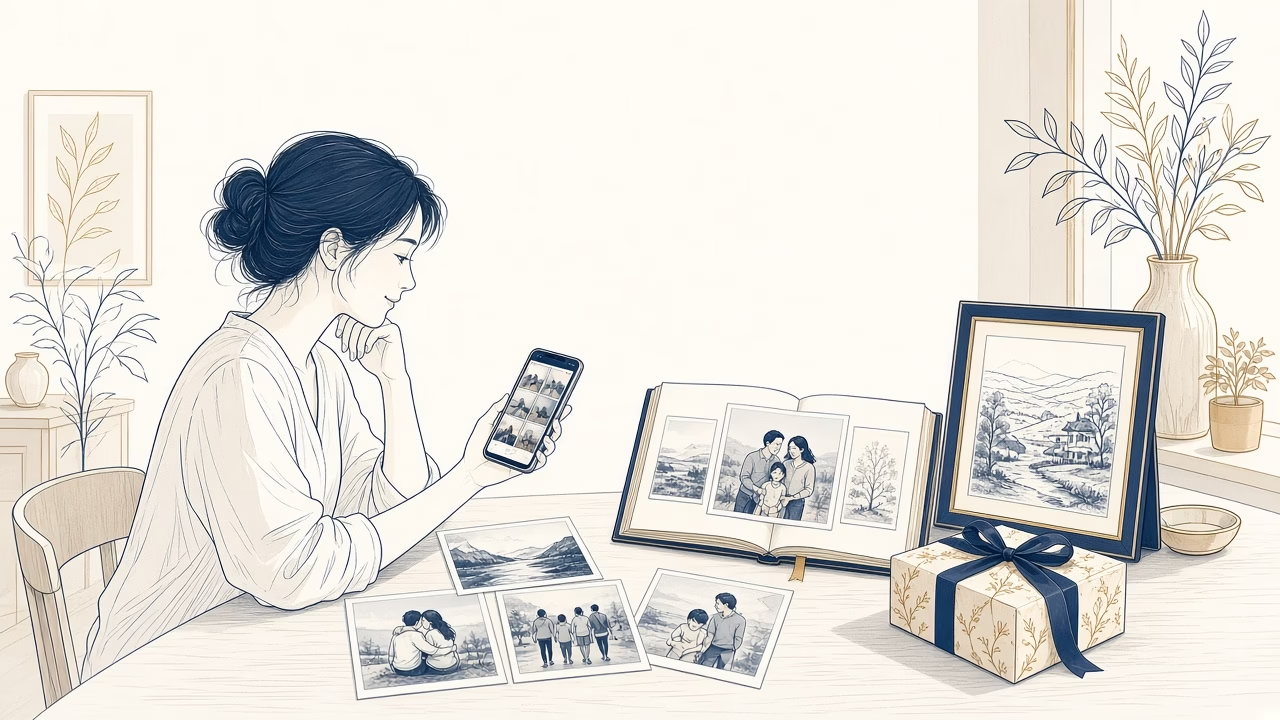
When is it worth printing our photographs?
Printing does not need to include every image stored on a phone. It becomes worthwhile when a photograph has a purpose: to be seen every day, shared, given as a gift or placed within a family story. Thoughtful selection turns an unwieldy camera roll into a small, meaningful collection.
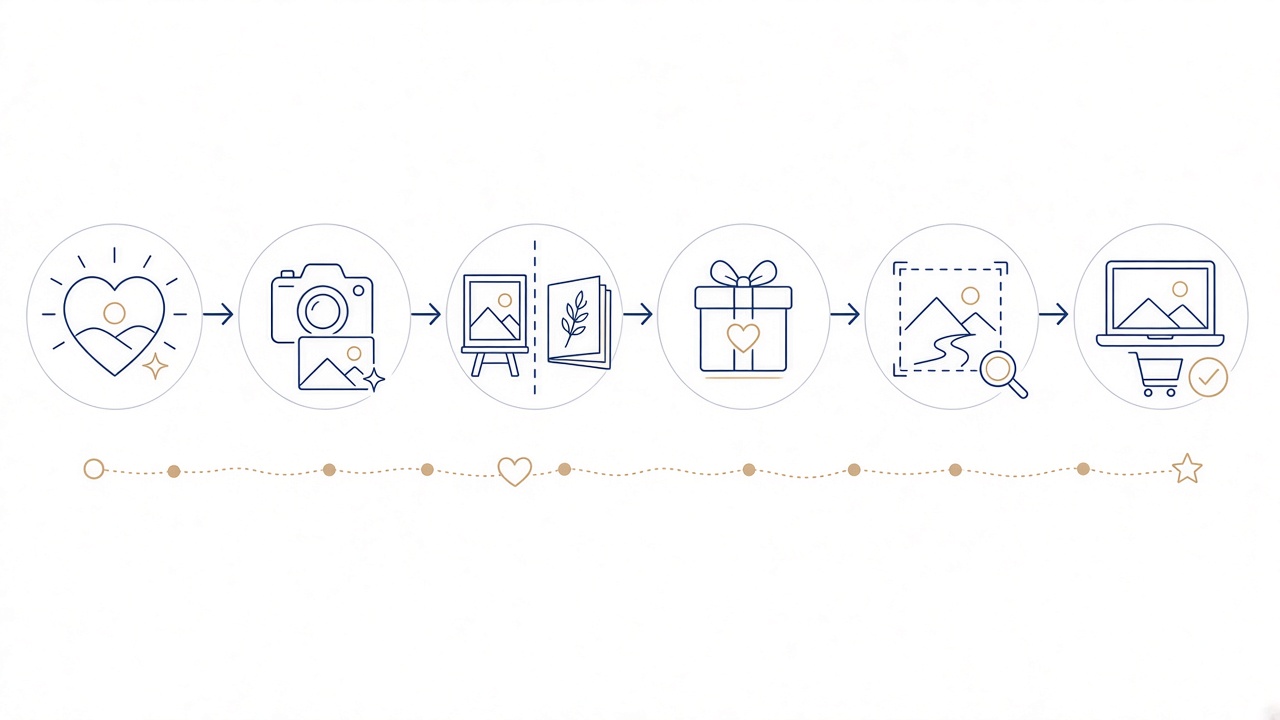
Value begins with selection
Start with emotional meaning and practical use, not the total number of files. An expression, a reunion or a life change often matters more than a run of technically similar frames.
Photographs for your space
For a frame or wall, consider viewing distance, orientation, available space and whether the main subject remains clear at the chosen print size.
A genuinely personal gift
A carefully chosen print works as a gift when the recipient has a real connection to the moment. Choose a considerate image and a size that is easy to display.
Children and family history
Prints let children and older relatives explore family moments without a device or account. Keep dates, names and locations alongside the photographs so that context is not lost.
Make it an annual habit
A small selection at the end of each year is easier than an occasional, overwhelming clear-out. Choose a regular month and maintain a folder of favourites as the year progresses.
Size, aspect ratio and crop
A file’s aspect ratio may differ from the paper. Check the preview so that faces, hands, text and meaningful details are not accidentally removed at the edges.
Check quality before ordering
Use the original file where possible, rather than a screenshot or a compressed copy saved from messaging. Inspect focus, brightness and visible artefacts at a sensible magnification.
Do not print everything
Remove duplicates, test frames and pictures with no clear purpose. A smaller edit reduces visual noise and allows each finished print to receive proper attention.
For more detail, read the related Photo Panorama guide. You can select and order prints.
From a screen to a deliberate small collection
Begin with a folder of candidates and view the pictures together. If five frames show the same expression, choosing the strongest one leaves room for different moments. Look for photographs you would genuinely like to encounter again, rather than every picture that seemed successful at the instant it was taken.
Intended use should guide the edit. A close family picture may suit a small tabletop frame, while a clean composition with a recognisable principal subject may work better at a larger size. For a gift, make sure the moment also belongs to and pleases the recipient instead of relying only on your own attachment.
Online Print currently offers sizes from 10×15 to 30×40. One picture will not necessarily fill every paper ratio without adjustment. Study the preview, reposition the crop where the interface permits, and preserve sensible space around faces, fingers, signs or any other element that must remain complete.
File quality becomes more visible as print size increases. Retrieve the original from the device or storage service whenever possible. A copy passed through messaging, social media or a screenshot may contain less detail than the camera file. Inspect focus and obvious noise, but remember that a technically imperfect photograph can still matter at an appropriate size.
An annual edit of ten or twenty favourites is often more realistic than printing an entire archive. It can include ordinary routines, children changing, people reunited and a place that defined the year. Record dates and names with the collection so that the physical photographs retain useful context when they are viewed later.
A simple final test
Imagine where each photograph will be six months after delivery. If the answer is specific — a frame, family box, gift or annual series — the print has a clear use. If there is no answer, leave that picture in the selection folder for now. Pausing does not diminish it; it prevents a stack without a destination. Once the edit is complete, note intended sizes beside file names and verify that order quantities match the actual display or gift plan.
Frequently asked questions
Which sizes can I order through Online Print?
The online service currently offers sizes from 10×15 to 30×40. Choose according to available display space, aspect ratio and source quality, not simply because a larger print initially seems more impressive.
Why does the preview remove part of my photograph?
The camera image and paper may use different aspect ratios. Inspect every edge, reposition the crop where possible or select another size so faces, hands, signs and other meaningful content remain complete.
How do I judge whether a file is good enough?
Use the original and inspect it at a sensible magnification for focus, noise and visible artefacts. Take any quality indicator seriously, and select a smaller print when the source contains limited usable detail.
Can I upload directly from my phone?
Yes. Online Print is browser based, needs no installation and accepts uploads from phone or computer. Make sure you choose the original picture rather than a small preview, screenshot or compressed messaging copy.
What paper is used for the prints?
Photographs are produced on professional Fujifilm photographic paper. You still need to review the chosen image, size and crop carefully because those creative decisions are specific to your order.
What kind of picture works in a frame?
Look for a clear principal subject, adequate space around it and an orientation suited to the intended position. Consider normal viewing distance and avoid relying on tiny details visible only during screen zooming.
How should I select a print as a gift?
Choose a moment with positive, recognisable meaning for the recipient. Check that everyone is shown in a way they would welcome, and favour a size that can be displayed easily in their home.
Must I print every photograph from an event?
No. A compact sequence containing a wide view, key people and a characteristic detail often describes an event better than dozens of similar frames. Retain the remainder in your organised digital archive.
What should I check immediately before ordering?
Confirm quantity, size, orientation and crop for every file. Look for duplicates, screenshots or accidental uploads, and inspect faces and written information positioned close to the boundaries of the preview.
Does printing replace a digital backup?
No. Prints provide physical viewing and shared access, but they do not contain the whole archive and cannot replace organised backups of the original digital photographs.
Your next step
Open Online Print and organise the small collection you genuinely want to keep today.



