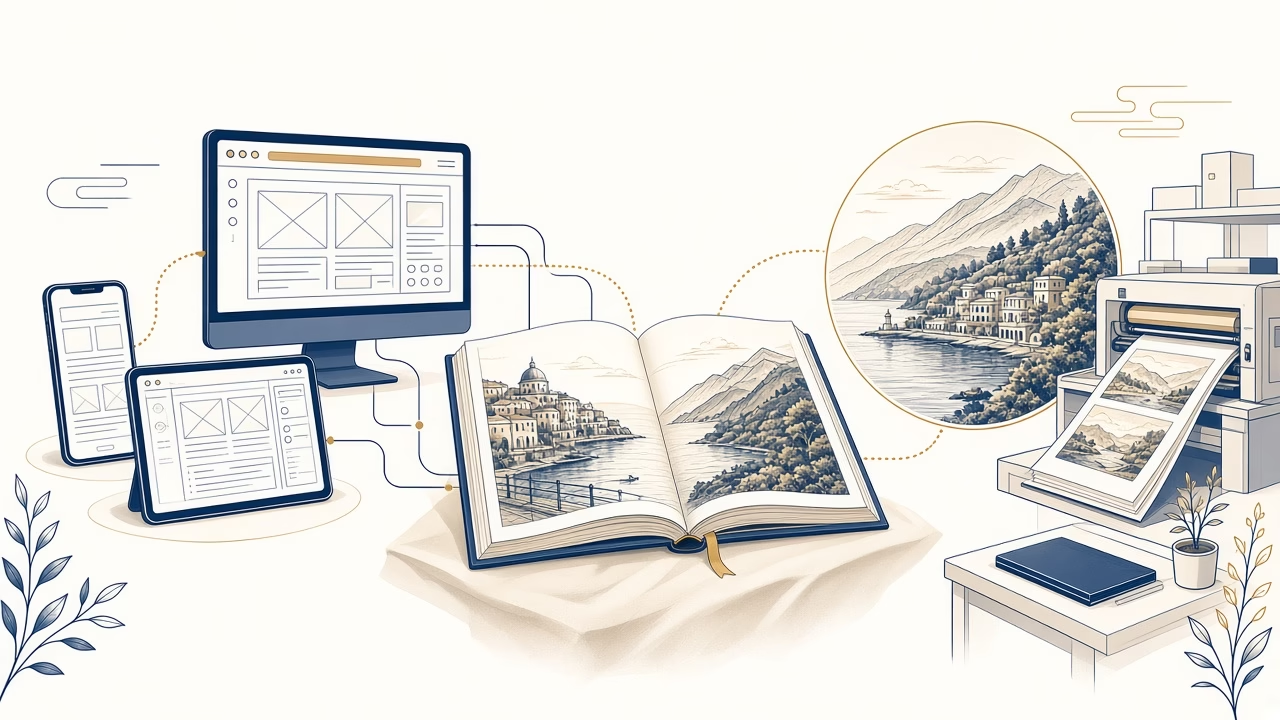
A Photobook turns a scattered archive into a story with a beginning, pace and finished presentation through a straightforward browser workflow.
Prepare the story
Remove duplicates and blurred frames, then sort originals by day, person or chapter before beginning the design.
For a journey, one folder per day keeps chronology clear. For a family retrospective, decades or people may be more useful categories. Retain a few environmental views as well: a house, table or street sign connects the portraits and explains where the story is taking place.
Browser based, no download
The online application works on phone, tablet or computer without installation; a stable connection helps with uploads.
A phone is convenient when the pictures already sit on it, though its small screen makes detailed checking harder. A tablet or computer provides more room for final inspection. The browser is sufficient; there is no separate program to install and no need to transfer the project into a specialist app.
Upload and cover
Upload selected files, allow them to finish and choose a cover with a clear subject and safe margins around essential details.
Choose a cover that works as a strong opening image and does not rely on a detail near an edge. If a title is added, keep the area behind its letters quiet. Allow uploads to finish before making substantial sequence changes, particularly on a slower connection.
Arrange the pages
Place defining moments first, alternate calm and rich pages, and use either chronological or thematic flow where it helps the reader.
A spread is read as a unit, but the area near the binding needs care. Avoid placing eyes or small wording directly across the centre. Let some pages breathe with one strong picture and use denser arrangements where a sequence of details genuinely adds to the account.
Crop and wording
Inspect faces, resolution, margins, captions, names and dates in the actual frame used on every page.
A low-resolution warning is not solved by making the image frame larger. Reduce its placement, locate a better file or replace it. Captions also need a consistent system: decide whether to use full dates, place names or short observations, then apply that choice throughout the book.
Final review
Turn through the complete project for empty frames, repetition and mistakes before ordering, without assuming an unsupported production time.
Complete one review concerned only with pictures and another concerned only with words. Look for duplicates, empty frames, clipped faces and unexplained changes of style. Ordering is completed through the online workflow; production timing should come from current information rather than an informal estimate.
Pacing that holds the reader
A sound sequence does not need every frame. Open with an image establishing place or people, develop the account by alternating wider views and details, and finish with a moment that behaves like an ending. If two pages repeat the same message, retain the stronger one. A Photobook improves when turning its pages feels deliberate rather than like an automatic export from a phone album.
Frequently asked questions
Must I download an app?
No, it runs in a browser without a download. The project is organised within the online workflow opened from the dedicated page.
Can I use a phone?
Yes, use a phone, tablet or computer. For fine adjustments, complete a final review on a larger screen where one is available.
How do I begin?
Gather originals, upload them and organise the files. A folder-based shortlist reduces upload time and removes dozens of nearly identical frames.
Can I choose a cover?
Yes, cover choice forms part of the workflow. Keep both image and title clear of outer edges and likely fold areas.
How many photographs?
Use the number that serves the story and page space. A smaller number of strong pictures often creates better pace than many tiny ones.
How do I inspect crops?
Review every frame and protect faces from edges. Pay particular attention to the binding and to photographs extending across a complete spread.
Should I add captions?
Yes, when they are concise, accurate and consistent. Names, dates and place names deserve a separate proofread before submission.
What about low resolution?
Use a smaller placement or find a better source. Screen enhancement cannot create genuine detail that is absent from the source file.
What is the turnaround?
Check current information rather than making assumptions. Information displayed when ordering is safer than an old experience or informal assumption.
Where do I order?
Order through the online Photobook application. There you upload photographs, choose a cover, arrange pages and complete the purchase.
Next step
Open the online Photobook application in your browser and begin on the device containing your photographs.