
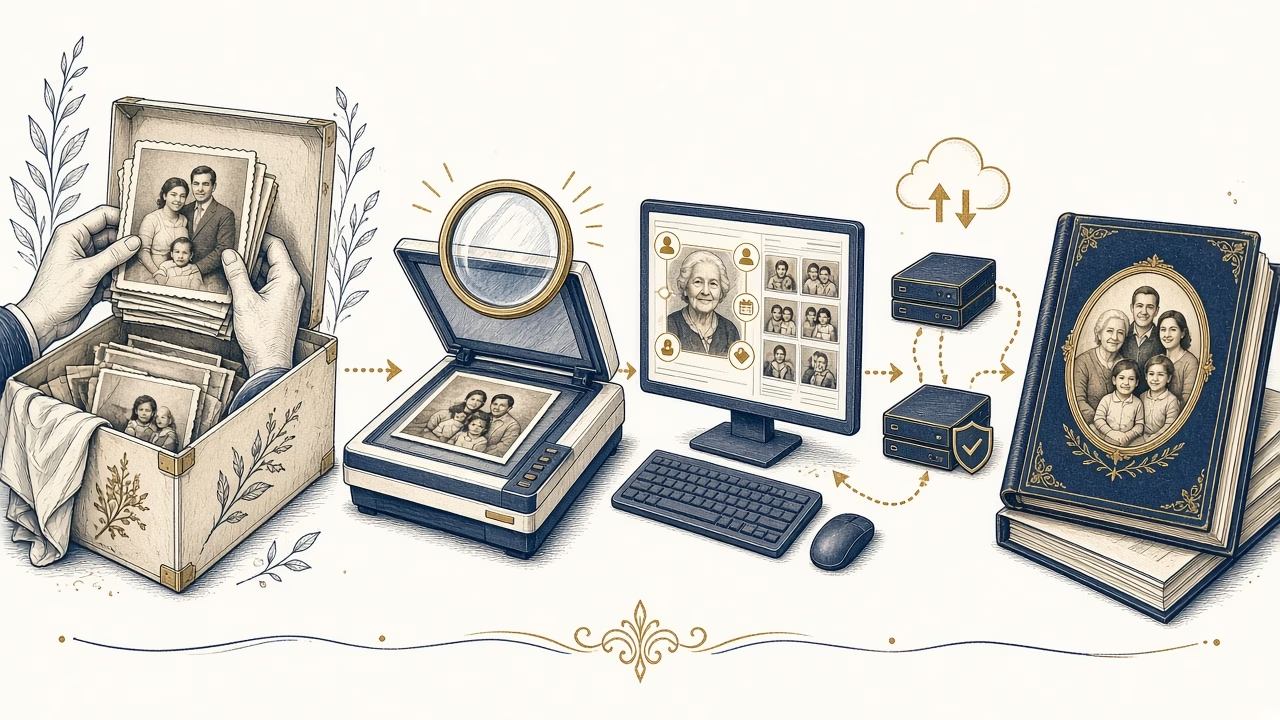
Why old photographs need digitisation
Old photographs are often unique objects carrying family and historical value. They do not all change in the same way or at the same rate, but light, moisture, unsuitable storage, frequent handling and unexpected events can increase the risk of loss. Digitisation creates additional routes to access and organisation without removing the need to care for the original.
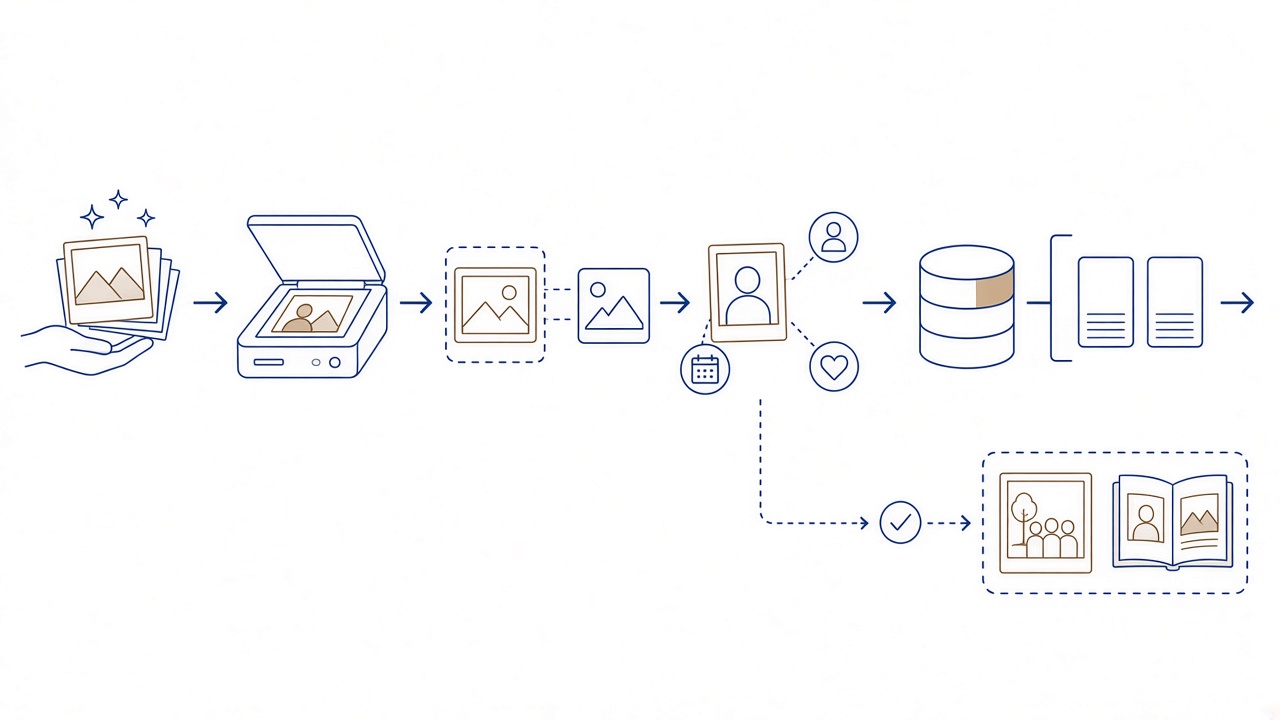
What may be at risk
Fading, scratches, creases or damage from an incident do not inevitably affect every photograph. The fact that an object may be unique is reason enough for timely assessment.
Handling before scanning
Work with clean, dry hands, hold prints by their edges and avoid pressure on fragile surfaces. Do not attempt aggressive cleaning or flattening without suitable knowledge.
Master files and derivatives
A master file is retained as the primary capture and is not repeatedly edited. Smaller derivatives can be made from it for messages, screens, catalogues or other routine uses.
Names, dates and stories
A picture without information loses part of its usefulness. Record who appears, where, approximately when and who supplied the account, without presenting uncertain memories as established facts.
Organisation and backups
Use consistent folder and file names. Keep more than one copy on different media or in different locations, and periodically confirm that the files remain accessible.
Digitisation is not restoration
Scanning records the present image, while restoration is a separate editing decision. Preserve an untouched master, label any altered version clearly and avoid silently rewriting visual evidence.
Prints, negatives and film
Paper photographs and negatives need different assessment and equipment. For film, consult Panorama’s film developing and high-resolution digitisation information before deciding how to proceed.
Professional assessment in Volos
Panorama Studio has operated in Volos since 1989. It can assess and digitise old paper photographs, but contact the studio first to discuss their condition, material and your intended use.
For more detail, read the related Photo Panorama guide. You can discuss digitising your archive.
Planning a responsible digitisation project
Begin with an inventory, not cleaning. Separate prints carefully from negatives and transparencies, note anything stuck, torn or especially fragile, and do not press objects flat. A quick reference photograph of each group can help preserve its original order before individual items are moved for assessment.
Suitable resolution depends on the original and intended use: straightforward viewing, a new print, close study or a retained master. No single number responsibly fits every print and film frame. Professional assessment considers dimensions, material type and the actual information present rather than promising detail that the source does not contain.
Give files stable names connected to a box, envelope or original item number. In a separate catalogue, record people, places, approximate dates and the source of each statement. If two relatives disagree, preserve the uncertainty instead of turning one recollection into an established fact.
Keep the primary scan distinct from edited versions. Tone correction, dust removal or reconstruction of a damaged area are restoration decisions, not neutral digitisation. Retain an untouched master, make a derivative for each intervention and describe what changed so that the file’s origin remains understandable.
After delivery, create copies in different locations and test that they open. The original paper or film still requires suitable care. Panorama Studio, operating in Volos since 1989, can assess old paper photographs, negatives and film. Contact the studio first without assuming resolution, price, restoration work or completion time.
Priorities for a large archive
With many boxes, do not begin randomly at the first pile. Prioritise unique objects, fragile material, people who older relatives can still identify, and photographs needed for an immediate family or research purpose. Record what has been assessed to prevent repeated work. A small pilot group can reveal naming, cataloguing and delivery needs before the project expands. This staged approach supports better decisions without assuming that every object requires identical treatment.
Frequently asked questions
How should I handle old paper photographs?
Use clean, dry hands, hold edges and work over a clear surface. Do not rub the image, force a crease flat or detach material that resists without advice from a suitably qualified professional.
Should I clean photographs before scanning?
Remove only what can be dealt with safely without contact that harms the surface. Aggressive use of liquids, adhesive or pressure can cause damage. Request an assessment whenever the material or suitable treatment is uncertain.
Are prints and negatives scanned in the same way?
No. Reflective paper and transparent film have different requirements and need suitable assessment and equipment. Keep material types separate and tell Panorama what you have and what condition it is in.
What resolution does an old photograph need?
It depends on size, material, available detail and intended use, such as viewing, printing or retaining an archival master. Do not impose one arbitrary number on everything; discuss the project’s actual needs.
What is a master file?
It is the primary digital capture retained without repeated editing. Derivatives for sharing, screens or restoration are made from it so the initial digitisation remains available, identifiable and separate from later interpretation.
Which metadata should accompany a scan?
Record people, place, approximate date, event, original item number and the source of the information. Mark uncertainty clearly rather than writing a family assumption as though it were a documented fact.
Does digitisation fix fading and scratches?
Not automatically. Digitisation records the object in its present state. Colour correction, mark removal and reconstruction are separate restoration choices and should be saved as derivatives instead of replacing the master.
How many copies of the digital files are needed?
Keep more than one copy on different media or in separate locations. Test periodically that files open and that names and folders remain understandable. One permanently connected storage device is not a sufficient plan by itself.
Can I discard the originals after scanning?
A scan does not reproduce the physical and historical character of the object. Continue caring for prints, negatives and film unless their lawful owners and an appropriate specialist make a considered decision otherwise.
When should I contact Panorama?
Make contact before moving fragile, stuck or mixed material, describing quantity, type, condition and intended use. Panorama can assess old paper photographs and provides separate information about film developing and high-resolution digitisation.
Your next step
Contact Panorama first for an assessment of old prints, negatives or film, and describe the material you have.



