
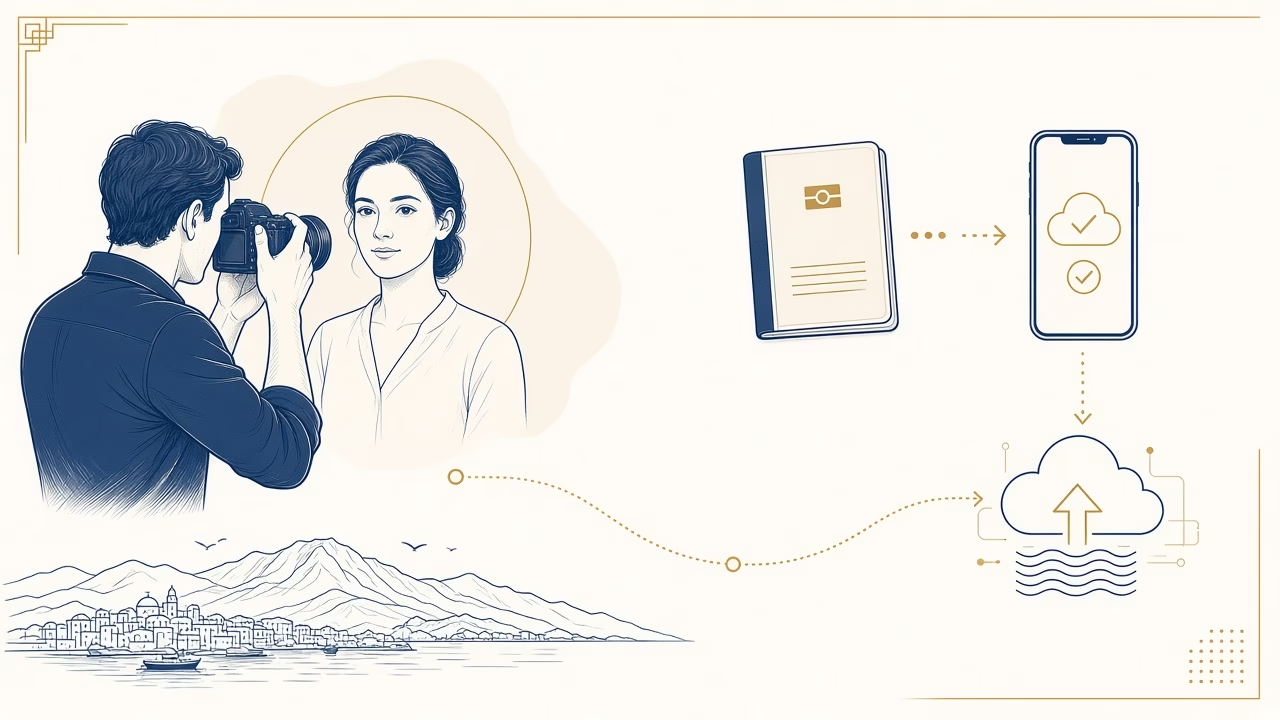
Applying for a Greek passport now begins with a digital photograph that must follow a defined route. From 1 February 2026, an ordinary application made in Greece requires a recent colour digital facial photograph, submitted through myPhoto and compliant with ICAO 9303. The temporary acceptance of printed photographs ended on 31 January 2026. A good print or a file held on your phone is therefore not enough: the image needs an appropriate capture, digital submission and the corresponding code.
Panorama Studio has worked in Volos since 1989 and is an authorised myPhoto photographer. Experience supports a careful capture, but final acceptance always rests with the issuing authority. This guide sets out what happens at the studio and afterwards, helping you organise both the photographic stage and your passport appointment without relying on outdated advice.
The current digital process
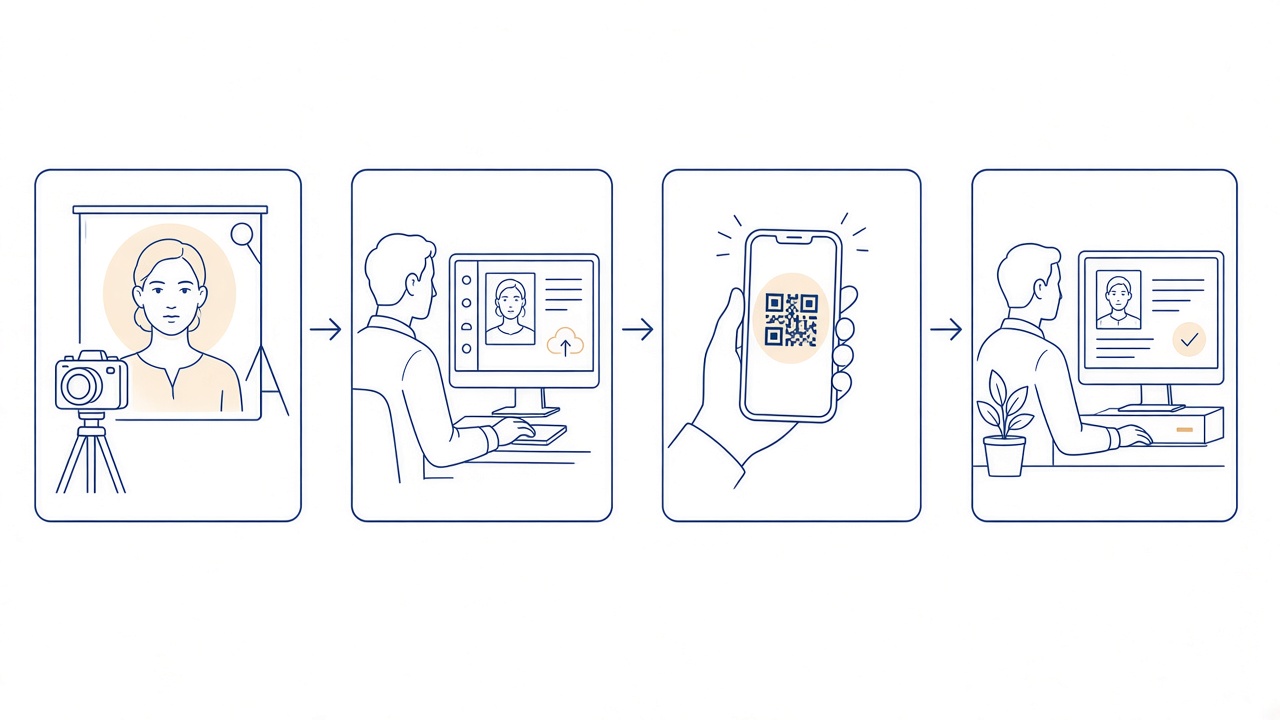
At the session, the photographer creates an official-document image and uploads it to myPhoto. You receive a code, sign in as the citizen, inspect the preview, associate the image with your AFM and explicitly authorise the supported service under the official instructions. Only then can the responsible authority retrieve the digital photograph for the application. Keep the code secure and accessible, but do not publish it or send it to unrelated recipients.
The code does not replace the passport application, your appointment or any other supporting document. A successful upload is not, by itself, approval of an application. Check the passport authority’s current list of documents and ask about any exceptional circumstances that apply to you. You can also read our complete myPhoto guide and the authority’s official passport photograph requirements.
How the image should look
Your face should be shown clearly from the front in a neutral position. Keep your head upright and look directly at the camera. The expression should be natural, with the mouth closed and without a broad smile or grimace. Eyes must be clearly visible, and hair must not obscure important facial features. Lighting needs to be even, avoiding hard shadows on the face or background, while focus should retain genuine detail rather than creating an artificially altered appearance.
The photograph is taken in civilian clothing. Choose a clean, simple top that remains visually distinct from the background, and avoid uniforms unless an officially recognised exception applies. Hats and accessories that conceal the face must be removed. Religious head coverings may be treated differently, but the face must remain visible under the applicable guidance. With spectacles, reflections, tinted lenses or heavy frames can interfere with the view of the eyes; unless there is a medical reason, removing them generally makes the capture more straightforward.
Recency and a faithful appearance
The photograph must have been taken within the previous six months and faithfully represent how you look now. An older image does not become suitable merely because you believe you have not changed. Retouching must not alter face shape, skin, eyes, nose, hair or any other identifying feature. Technical preparation should serve the official specification, not create a cosmetically different person. Tell the photographer if your appearance has recently changed substantially or if there is a medical consideration that may affect the session.
Babies and children
Children also need a clear, recent and recognisable image. Photographing a baby takes patience: the face should be visible without an adult’s hand, toy or dummy in the frame. Arrange the visit for a time when the child is normally rested and fed. Avoid pressure to produce a “perfect” expression; the aim is a calm moment and a technically sound photograph. If an older child normally wears spectacles, discuss the most reliable way to avoid reflections during the session.
What to bring
- The basic identification details needed for an accurate digital submission.
- Access to a mobile phone or email if required for receiving the code or instructions.
- Any written direction from the authority concerning an exceptional personal circumstance.
- For a minor, the legal representative and documents required by the wider application process.
Before leaving, make sure you know which reference is the photograph code, how to use it and what your next action will be. Do not confuse it with an appointment or application number. If considerable time passes, or your appearance changes before application, check whether a fresh capture is necessary rather than assuming the stored image remains suitable.
The narrow printed-photo exception
A printed route is not a general alternative for applicants who prefer paper. The current official page describes exceptional cases for Greek citizens resident abroad who apply in Greece and do not have an AFM, or, in the case of minors, an AMKA. In those particular circumstances, a printed colour photograph measuring 4 × 5 cm may be used with the required declaration, as the passport service explains. The conditions are narrow, so confirm that you genuinely qualify before relying on them. Do not extrapolate from another person’s case or from guidance published during the expired transition period.
Frequently asked questions
Do I need printed photographs for an ordinary application in Greece?
No. From 1 February 2026, the ordinary route uses a digital photograph submitted through myPhoto. A print is reserved for the specific exceptions stated on the official page.
How recent must my photograph be?
It must have been taken within the preceding six months and must reflect your current appearance.
Can I use a photograph taken on my phone?
A personal phone image does not replace capture and submission by an authorised photographer through the prescribed myPhoto route.
What do I do with the myPhoto code?
Follow the association instructions and use it within the official process. Treat the code as personal information and retain it securely.
May I smile?
A neutral, natural expression with a closed mouth is required so that facial features are shown consistently.
Are spectacles allowed?
They must not obscure the eyes or cause reflections. Removing them often prevents a technical issue unless there is a specific reason to keep them on.
What applies to babies?
The baby’s face should appear alone, with no hands, toys or dummy visible. Calm timing helps achieve a compliant capture.
Is retouching allowed?
Not when it changes actual appearance or identifying features. Any technical processing must preserve a natural, faithful likeness.
Does a successful upload guarantee acceptance?
No. Assessment and final acceptance remain entirely with the competent issuing authority.
Where can I read the detailed technical guidance?
Consult the passport service’s official technical specifications and verify any special requirement before applying.
Arrange your passport photograph in Volos
For capture and myPhoto submission at Panorama Studio, serving Volos since 1989, contact our team. We will explain the workflow and code clearly; final acceptance remains the decision of the issuing authority.



