
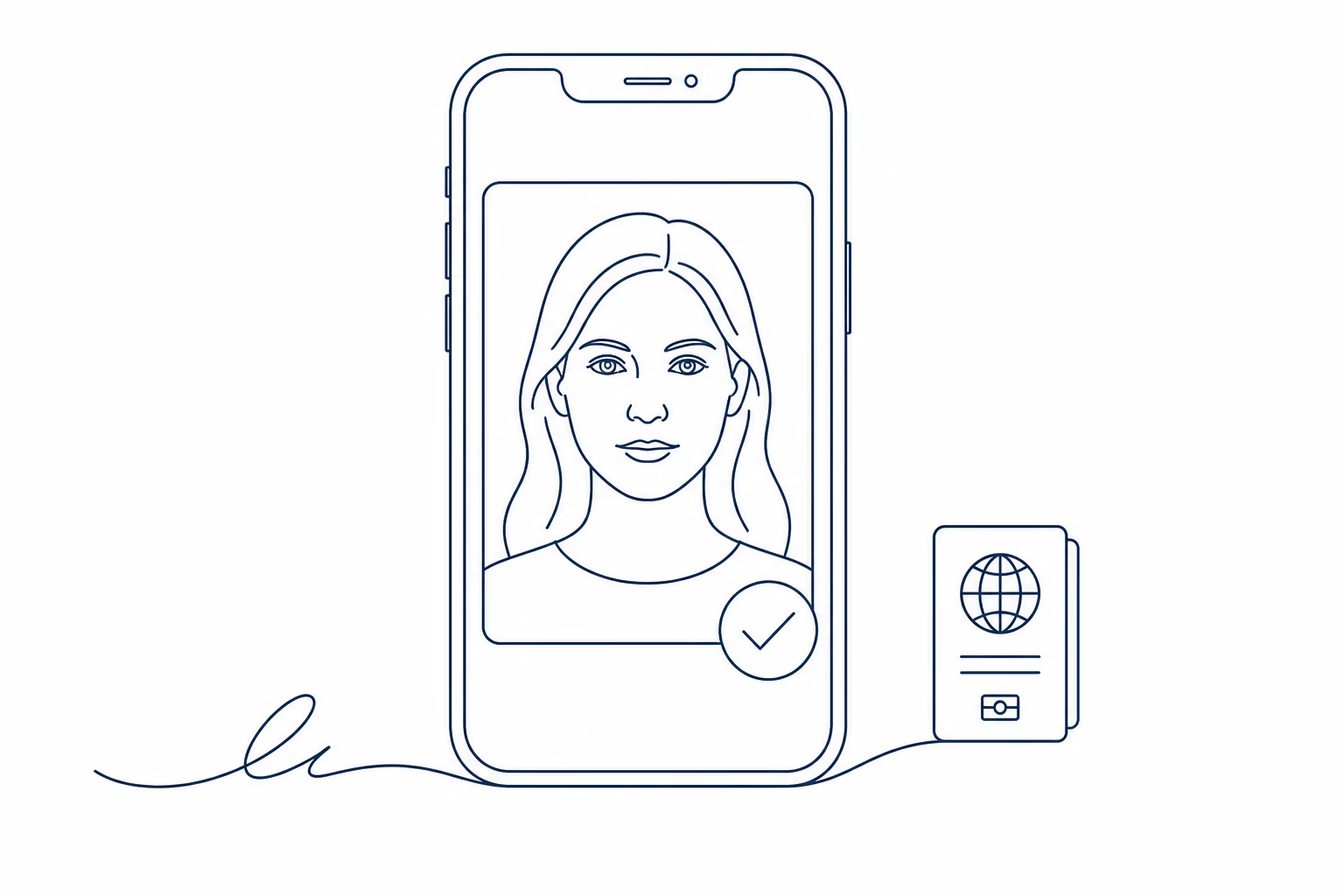
myPhoto is the official digital service through which a facial photograph and, where applicable, a signature can be made available to supported Greek public procedures. One distinction is essential: a citizen cannot directly upload a selfie or personal file to official myPhoto. The official upload is performed by an authorised professional photographer; the citizen then completes identification, association and authorisation steps.
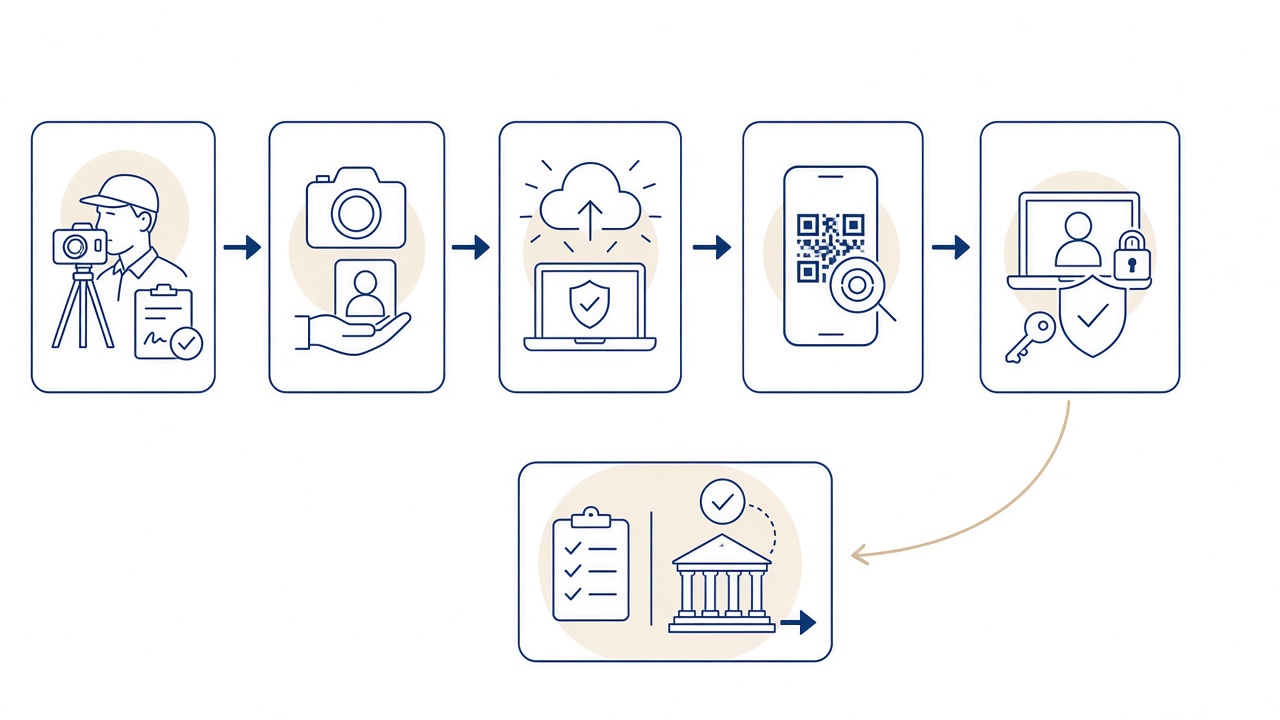
The official workflow at a glance
- The citizen visits an authorised photographer and explains which public procedure is involved.
- The photographer prepares and uploads the photograph and, when required, the signature.
- The citizen receives a code or QR by SMS or email at the contact details supplied.
- The citizen signs in using Taxisnet credentials and the required second authentication factor.
- The uploaded material is previewed and associated with the citizen’s AFM.
- The citizen explicitly authorises the relevant supported public service to retrieve it.
Before visiting the photographer
Confirm which public procedure you intend to complete and whether it currently supports myPhoto. Make sure you can access your Taxisnet account and the method used for additional authentication. The mobile number and email supplied should be yours, active and entered accurately because the code or QR is sent through those channels.
Tell the photographer the purpose before capture begins. Requirements are not merely aesthetic: the image needs a clear frontal view, suitable lighting, natural appearance and a file prepared for the system. Avoid accessories or hair that obscure identifying features and follow the professional’s positioning instructions.
Photograph and signature do not always travel together
The facial photograph may be used by the public procedures integrated with myPhoto. The signature has a narrower purpose: according to the official description, it is only for issuing or renewing a driving licence. It should not be created or authorised unnecessarily for an unrelated procedure.
Where a signature is required, write consistently within the area indicated by the photographer. Do not add a title, date or other mark. Check the preview before association. If either item appears wrong, request a correction rather than authorising an inaccurate image in haste.
The code or QR
After the authorised upload, a code or QR is delivered by SMS or email. It links the photographer’s upload with the citizen’s next steps. It is not final approval of an identity document, nor does it mean a public service has already retrieved the photograph.
Keep the message secure and do not publish the code. If it does not arrive, check junk email and confirm that your contact details were recorded correctly. Contact the photographer to verify the submission information, but never send Taxisnet passwords or one-time authentication codes.
Sign-in, preview and AFM association
The citizen enters the official service using Taxisnet and the required second factor. Sign in only through a gov.gr address and on a device you trust. The photographer does not need, and should never receive, your Taxisnet username, password or second-factor code.
At preview, confirm that the correct person appears and, where needed, that the signature is yours and clearly reproduced. You then associate the material with your AFM. Association is separate from final authorisation: it organises the uploaded files under your verified identity but does not release them automatically to every authority.
Explicitly authorising a public service
For the material to support an integrated procedure, you must select and explicitly authorise the relevant public service. myPhoto is not blanket consent for unrestricted use. Read which service seeks access and for which purpose before confirming.
Authorisation does not replace other evidence, fees, appointments or checks belonging to the administrative procedure. It does not guarantee that a document will be issued. It permits the supported service to retrieve the associated material within the particular transaction you chose.
If you are outside Volos or Greece
The official rule remains unchanged: an authorised photographer performs the official upload. Panorama offers a separate mobile intake route for people who cannot readily attend the studio. It is explained in the guide to myPhoto from abroad and mobile submission.
That private intake route is not the official myPhoto platform and does not bypass image standards, identification, AFM association or public-service authorisation. The authorised photographer reviews the material and performs the official upload only where it can be prepared appropriately. Acceptance by a public authority cannot be guaranteed.
Security and practical corrections
- Use only official gov.gr pages when entering Taxisnet credentials.
- Never disclose Taxisnet or one-time codes to a photographer or another person.
- Check both photograph and signature before association or authorisation.
- Read the exact authority and purpose before permitting retrieval.
- If something is wrong, stop and arrange correction rather than continuing.
For first-hand information, consult the gov.gr myPhoto service update and the detailed entry in the National Registry of Administrative Public Services. Current official instructions take priority over any summary guide.
What the photographer does — and does not do
The authorised photographer controls capture, technical preparation and official upload. This professional role helps ensure that an ordinary social photograph is not inserted directly into the state workflow. It does not give the photographer authority to sign in as the citizen, associate an image with an AFM or choose which public body receives it.
The citizen retains those decisions and should complete them personally. A relative may help explain the screen, but credentials and consent require appropriate care. If accessibility or representation arrangements are needed, follow the official service guidance rather than sharing passwords as an informal workaround.
Panorama Studio has operated in Volos since 1989 and is an authorised myPhoto photographer. Authorisation describes its role in the upload process; it is not a promise that an authority will approve every document. The receiving public service remains responsible for its administrative decision.
Frequently asked questions
Can I upload my own selfie to myPhoto?
No. Citizens do not perform the direct official upload. An authorised professional photographer uploads the photograph.
What do I receive after upload?
You receive a code or QR by SMS or email at the contact details supplied, allowing you to continue in the official service.
Are Taxisnet credentials required?
Yes. The citizen signs in with Taxisnet and the required second factor. Those credentials must not be shared with the photographer.
What does association with AFM mean?
It links the uploaded material to your tax identification number after authentication. It is not, by itself, authorisation for an authority to retrieve it.
Who can see the photograph?
You preview it and explicitly choose the supported public service that will be authorised to retrieve it for a defined procedure.
When is the signature required?
According to the official description, the myPhoto signature is used only for issuing or renewing a driving licence.
Does receiving the code complete my application?
No. It lets you continue the myPhoto workflow. The administrative application has its own documents, actions and checks.
What if the message does not arrive?
Check junk email and the contact details supplied. Ask the photographer to verify the entry, without disclosing any Taxisnet credential.
Can I use the service whilst abroad?
Panorama has a separate intake route, but an authorised photographer still performs the official upload and every official requirement continues to apply.
Does myPhoto guarantee document issue?
No. myPhoto transfers material with your authorisation. The responsible public service decides the administrative outcome.
Complete myPhoto with clear guidance
Panorama Studio is an authorised myPhoto photographer in Volos and has operated since 1989. For capture and official upload, contact us.



