
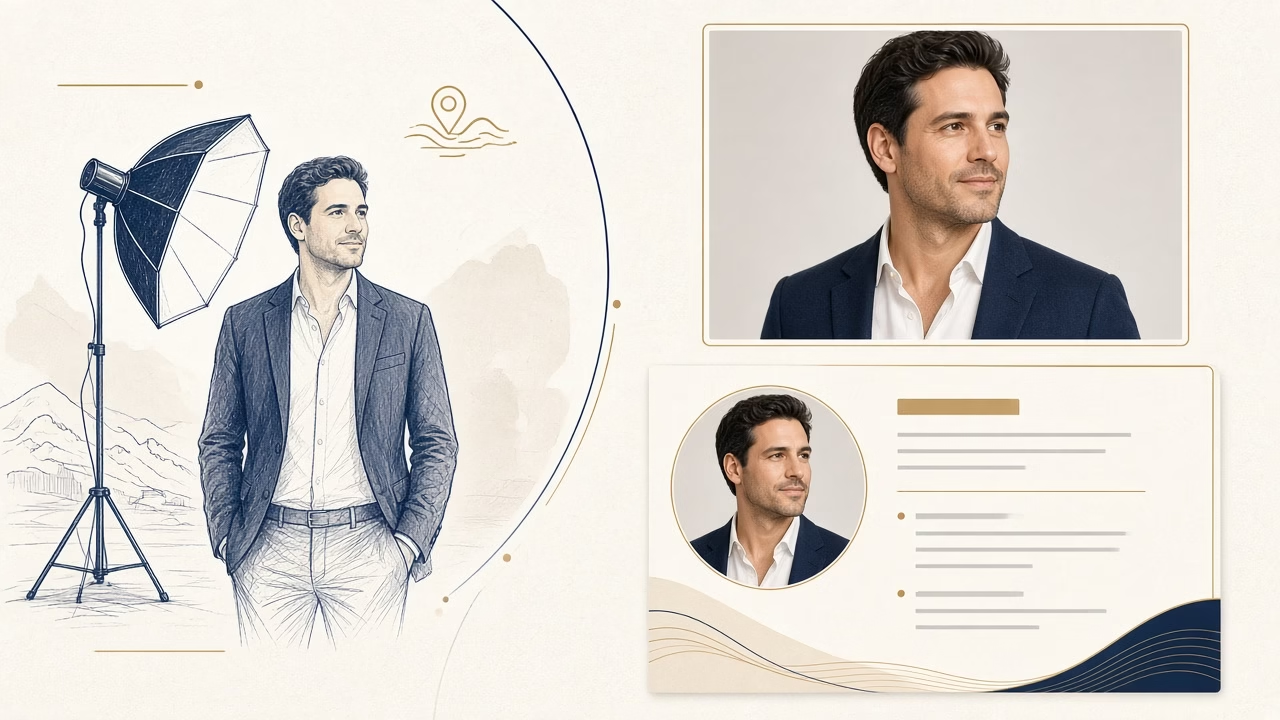
A LinkedIn or CV headshot does not have to look severe. It should be clear, current and consistent with how you want to be recognised professionally. In Volos, a planned studio session can suit job changers, graduates, freelancers and executives who need one coherent portrait for a profile, company page and résumé. The picture supports your presentation; it does not prove ability or guarantee interviews, employment or a particular response from recruiters.
Preparing before the session
Begin with the intended use. A lawyer, a field engineer and a designer may all need a professional image, but not the same visual tone. Bring two tops: one neutral option and another that feels characteristic of your work. Clean, well-fitting clothes with simple lines tend to photograph more calmly than tiny high-contrast patterns, shiny fabric or large logos. A jacket is not compulsory. Wear what you would choose for an important meeting in your actual field.
Keep hair, facial hair and makeup familiar rather than transformative. If glasses are part of your everyday appearance, wearing them is usually sensible, provided reflections are controlled. Arrive a little early so your expression can settle, and tell the photographer about your deadline, employer brand guide, website layout or required dimensions. Sleep and hydration matter more than last-minute cosmetic tricks.
Light, background and eye contact
Controlled light gives shape to the face without harsh shadows and preserves believable skin texture. Neutral grey, white or a restrained colour keeps attention on the subject, although the best background also depends on clothing, hair and the conventions of your sector. Turning the shoulders slightly creates depth while the face remains directed toward the camera. Direct eye contact often works well at small profile-image sizes because it establishes an immediate focal point.
The expression should not be frozen. A modest smile or a calm, open look can be selected from several frames. Professional direction helps with posture, chin position and breathing while avoiding a pose that feels unlike you. Small changes between exposures are more useful than forcing one expression for the entire session.
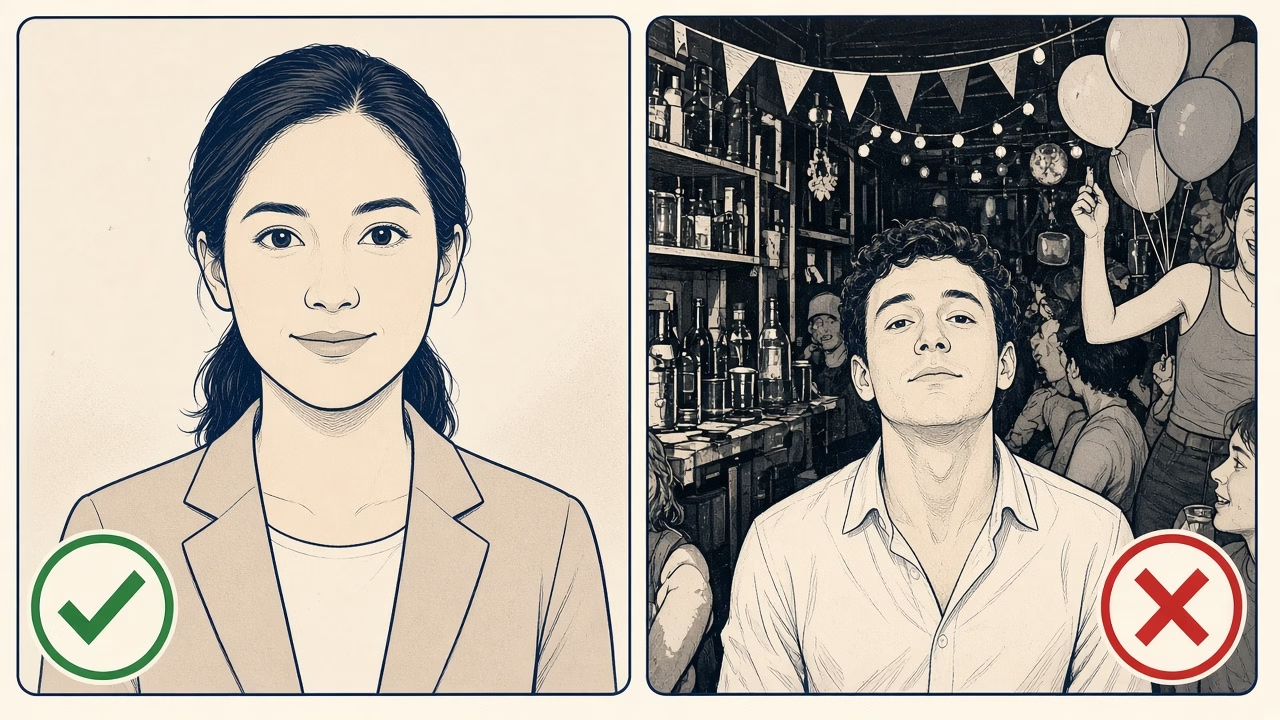
Cropping for LinkedIn and a CV
The camera frame should leave room around the head and shoulders so square, portrait and landscape versions can be made without awkward cuts. LinkedIn displays the picture inside a circle in many contexts, so eyes, hair and chin need safe space from the edges. LinkedIn Help currently lists JPG or PNG, a maximum file size of 8 MB, and profile-photo dimensions from 400×400 to 7680×4320 pixels. Check the current LinkedIn specifications before upload because platforms, interfaces and processing behaviour can change.
For a résumé, first establish whether a photograph is requested or customary in the destination country and sector. If included, it should remain visually quiet rather than compete with experience and qualifications. A sensibly compressed copy helps keep the PDF manageable, while the larger delivered original should be stored separately for later websites, speaking profiles or press requests.
Professional camera or phone?
A modern phone can produce a respectable headshot with soft light, a stable support, a clean lens and another person operating it. Avoid holding an ultra-wide lens close to the face, digital zoom, overhead room lighting and aggressive portrait blur that removes hair or spectacle frames. Use the rear camera, step farther back and inspect the file on a larger display before deciding it is finished.
A studio adds repeatable lighting, colour and focus, guided posture, a meaningful choice among subtle expressions, and exports prepared for several uses. Retouching is best limited to temporary blemishes, stray hairs and restrained tonal balancing. Keeping pores, facial structure and familiar features creates a portrait that still feels credible when a client or interviewer meets you in person.
Delivery and profile presentation
Ask for a square social-profile file, a portrait version for a CV or website and, where useful, a larger master for corporate communication. Give the files clear names and avoid repeatedly opening and resaving a JPEG. After upload, review the profile on both desktop and mobile, then adjust only the crop if necessary. Also review photo visibility settings rather than assuming everyone sees the same presentation.
Consistency helps when the same person appears on LinkedIn, an email signature and an organisation page, but identical cropping is not essential. The goal is recognisability and an appropriate visual voice. Update the photograph when your appearance changes materially or when the old styling no longer represents your role; replacing it on an arbitrary annual schedule is unnecessary.
Frequently asked questions
Do I have to wear a jacket?
No. Choose clean, well-fitting clothing that reflects the normal level of formality in your profession and does not distract from your face.
Which background colour is best?
Grey and white are reliable starting points, but the final background should separate clearly from your hair and clothes while supporting the intended tone.
Should I smile in a LinkedIn photo?
A natural, modest smile can feel approachable. Select an expression that people recognise as yours and that remains suitable for your professional context.
Can I keep my glasses on?
Yes, especially when you wear them daily. Studio lights and head angle can be adjusted to minimise reflections without making you look unfamiliar.
How tight should the crop be?
Head and shoulders usually read clearly at small sizes, with enough surrounding space to protect the face when LinkedIn applies its circular display.
Do I need another image for my CV?
One session can supply both. A slightly more vertical crop often fits a résumé layout better than the square version used on social profiles.
How much retouching is appropriate?
Temporary marks and minor tonal issues can be corrected, but age, face shape, skin texture and identifying features should remain believable.
Is a selfie sufficient?
It is rarely ideal because a close front camera can distort proportions and makes relaxed posture difficult. A phone used from farther away is better.
Will a strong headshot get me hired?
No image can promise that outcome. It can make presentation more consistent, while hiring decisions depend on qualifications, evidence and the employer’s process.
Where can I arrange a headshot in Volos?
Contact Foto Panorama with your sector, intended platforms and deadline so the session and delivered crops can be planned for real uses.
LinkedIn requirements and profile presentation may change, so consult the platform’s current official help before preparing a final upload.
Follow us



Professional photography in Volos
Arrange your professional portrait in Volos
Contact Foto Panorama for a LinkedIn, CV or company headshot and tell us where the finished image needs to appear.



