
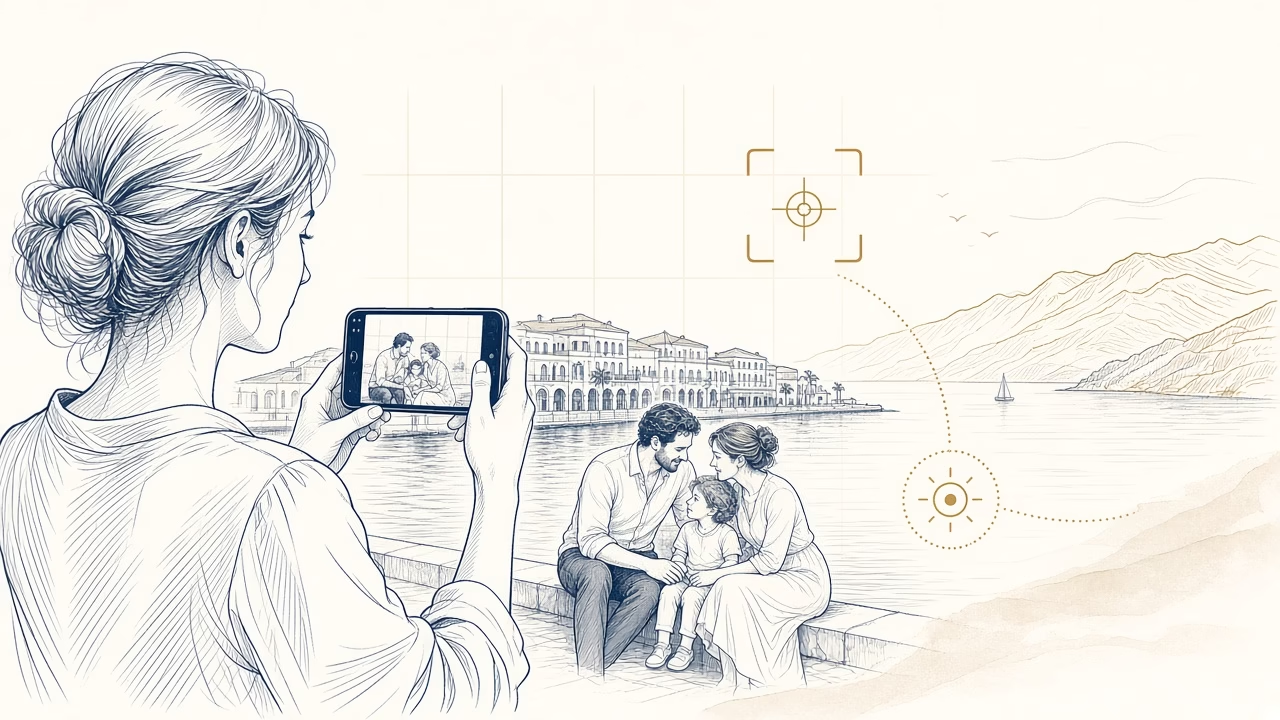
A phone is usually in your pocket when something worth remembering happens, but an immediate picture need not be a careless one. A clean lens, a few seconds of observation and a sensible choice of light improve an image more than a dramatic filter. This guide explains focus and exposure, movement and night scenes, natural portraits, restrained editing and the final task of choosing files that deserve to be protected or printed.
Ten practical steps
A clean lens
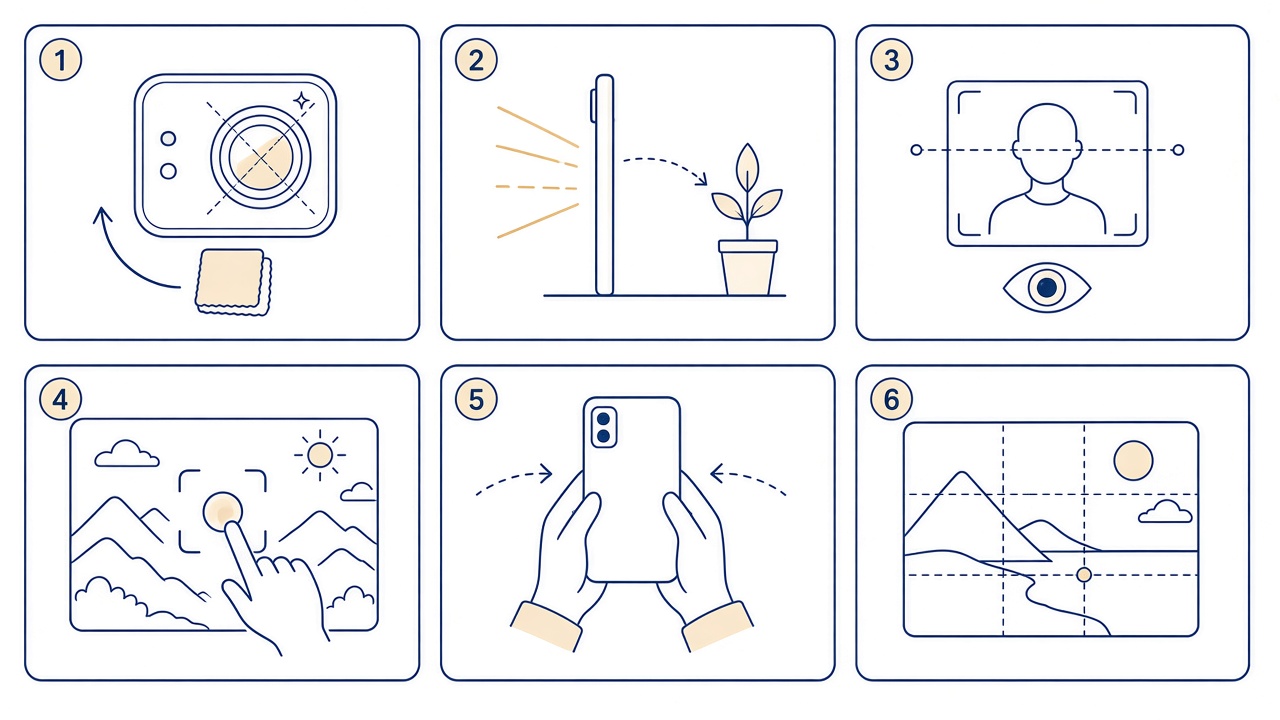
Wipe the lens gently with a clean microfibre cloth because fingerprints and dust reduce contrast and detail. In practice, “A clean lens” should become a habit in an everyday shoot, not a last-minute repair. Notice what changes before and after the choice, then retain the version that serves the photograph clearly within “A clean lens”.
Gentle natural light
Move near a window or into open shade, and avoid harsh midday sun when it does not serve the picture. The aim of “Gentle natural light” is not perfection but a dependable decision in an everyday shoot. If two options seem equal, favour the one retaining more information and leaving scope for future use within “Gentle natural light”.
Focus and exposure
Tap the main face on screen, adjust brightness modestly and protect detail in the brightest areas. Give “Focus and exposure” particular attention in an everyday shoot, because small details are easily missed on a compact screen. A deliberate look at faces, edges and information prevents avoidable correction later within “Focus and exposure”.
Clear composition
Check all four edges, level the horizon and change position to remove objects competing with the subject. For “Clear composition” to work in an everyday shoot, avoid bulk automatic choices when the material has personal value. Test one representative case and judge the actual result rather than trusting an application status alone within “Clear composition”.
A steady hold
Use both hands, bring your elbows towards your body and support the phone on a stable surface as light falls. Consistency in “A steady hold” is more useful than a complicated technique in an everyday shoot. Choose a rule you can remember, but allow exceptions when the story or safety of a particular picture demands one within “A steady hold”.
Movement and timing
Anticipate the path, use a short burst and keep only the frame where movement, expression and background work together. If “Movement and timing” feels difficult in an everyday shoot, divide the decision into observation, one small action and review. That order reduces haste and makes it easier to identify which change genuinely improved the outcome within “Movement and timing”.
Natural portraits
Move closer instead of using heavy digital zoom, talk to the person and leave room in the direction of their gaze. Do not judge “Natural portraits” only by the most striking example in an everyday shoot. Ask whether the same approach works for ordinary pictures and whether another person could understand it without extra explanation within “Natural portraits”.
Children without pressure
Get down to eye level, let play continue and do not demand a smile or repeated pose. “Children without pressure” still requires human judgement in an everyday shoot, even when a device offers an automatic answer. Technology can accelerate a task, but it cannot know which person, event or detail carries family meaning within “Children without pressure”.
Light editing
Straighten, crop and make modest brightness or colour corrections without filters that distort skin and important detail. Before considering “Light editing” complete in an everyday shoot, view the result from the perspective of someone encountering it later. Will they understand the moment, receive enough information and feel the people were treated respectfully specifically for “Light editing”?
Backup, selection and printing
Protect originals, mark favourites and compare similar frames before choosing the pictures genuinely worth printing. Finish “Backup, selection and printing” with a deliberate final choice in an everyday shoot. Do not retain or share every variation by habit; a smaller considered set is easier to protect, retrieve and enjoy within “Backup, selection and printing”.
See the online printing guide. Online Print runs in a browser without installation, accepts phone or computer uploads and provides professional Fujifilm printing.
Before keeping the final frame
- The lens is clean and the image has no fingerprint haze.
- The main face is sharp and highlights retain detail.
- The frame edges contain no accidental distractions.
- Editing remains natural and an untouched original exists.
- The final choice has enough quality for its intended print.
Frequently asked questions
Which camera resolution and aspect ratio should I choose?
The practical answer is this: wipe the lens gently with a clean microfibre cloth because fingerprints and dust reduce contrast and detail.
When is window light preferable?
In this situation, move near a window or into open shade, and avoid harsh midday sun when it does not serve the picture.
Why does the camera focus on the background instead of the face?
As a safe starting point, tap the main face on screen, adjust brightness modestly and protect detail in the brightest areas.
Should HDR always be enabled?
To avoid a common mistake, check all four edges, level the horizon and change position to remove objects competing with the subject.
How much digital zoom can I use?
In everyday use, use both hands, bring your elbows towards your body and support the phone on a stable surface as light falls.
How can I reduce blur in a night photograph?
When the material has particular value, anticipate the path, use a short burst and keep only the frame where movement, expression and background work together.
Which setting helps with running children or pets?
Before changing a setting, move closer instead of using heavy digital zoom, talk to the person and leave room in the direction of their gaze.
How do I avoid distortion in a close portrait?
When comparing two options, get down to eye level, let play continue and do not demand a smile or repeated pose.
Can a filter harm print quality?
For a consistent result, straighten, crop and make modest brightness or colour corrections without filters that distort skin and important detail.
How can I tell whether a phone photograph is suitable for printing?
The essential test is that: protect originals, mark favourites and compare similar frames before choosing the pictures genuinely worth printing.
Would you like to turn your strongest phone pictures into properly cropped prints? Talk to Panorama Studio in Volos, working with photography since 1989 and ready to discuss “How to Take Better Photos with Your Phone”.



