
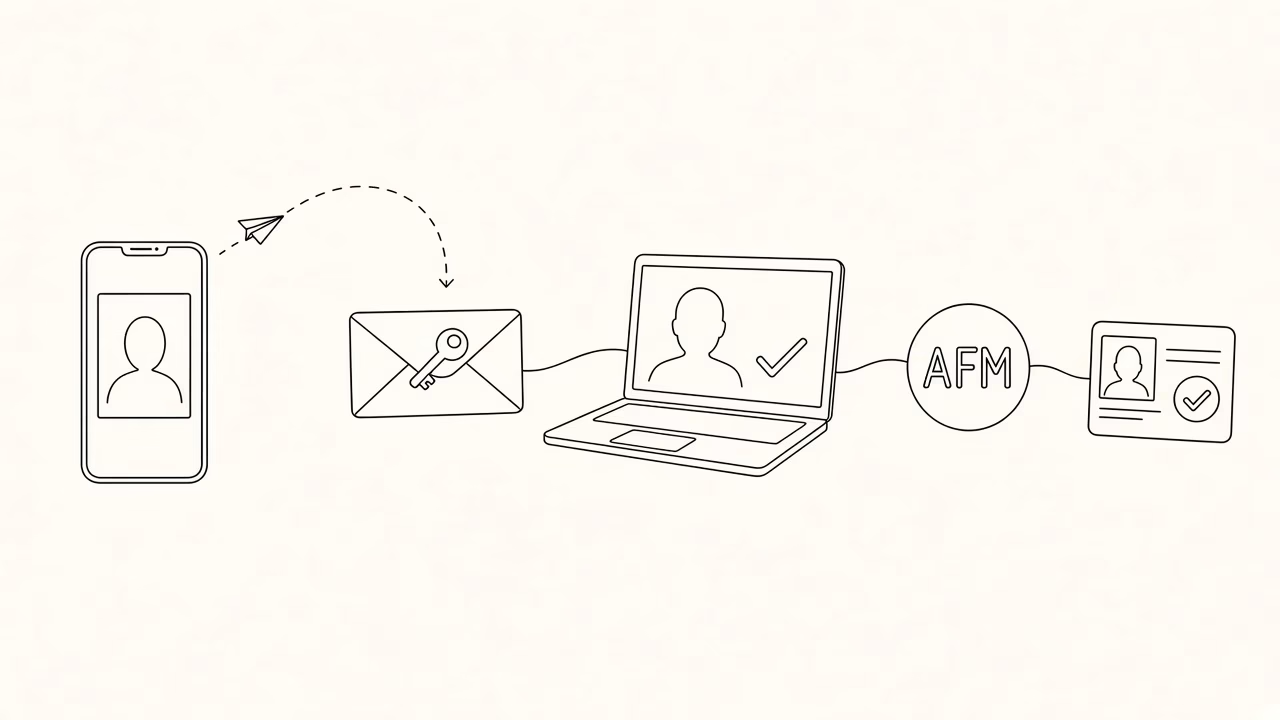
Panorama Studio has uploaded your photo to myPhoto.gov.gr. To use it for a Greek ID, passport or driving licence, you must accept it and link it to your AFM (tax ID). Follow the steps below — it takes a few minutes.
What you need before you start
- The 16-digit keycode we sent by SMS or email
- Your Taxisnet credentials
- Your mobile registered at notify.gov.gr for the SMS code
- Complete the link within 14 days of the studio upload
Step 1 — Sign in to the service
Open myphoto.gov.gr, tap “Login for Citizens” and sign in with Taxisnet. Confirm with the 5-digit SMS code if prompted.
Step 2 — Check details and consent
Verify your name, surname and AFM. Read the privacy notice, tick that you have been informed, then continue and give consent.
Step 3 — For you or for your child
Choose whether the process is for you or a minor child. For a minor you need the child’s AMKA and AFM.
Step 4 — Enter the keycode
Enter the 16-digit keycode from the studio (SMS or email). You can copy and paste it. Each code belongs to one photo.
Step 5 — Review and confirm
Check the photo and digital signature. If everything looks right, confirm. The preview may look slightly distorted for security reasons — the final file is normal.
Step 6 — Link to your AFM
Tap “Associate” and then continue. From that moment the photo becomes available to public services for your applications.
Step 7 — Connect the photo to a service
In Applications, choose the document you need: new ID card, passport, driving licence, and so on.
Important reminders
- The photo stays in the system for up to 1 year
- You have 14 days to associate it after the studio upload
- Keep your mobile updated on notify.gov.gr
- If you lost the code, call +30 24210 29717 or email info@fotopanorama.gr
Need a photo or prints?
If you still need a myPhoto upload, start from our online app. For prints from your phone, use Online Print.
Also read: Complete myPhoto guide in Volos · myPhoto app · Contact



