
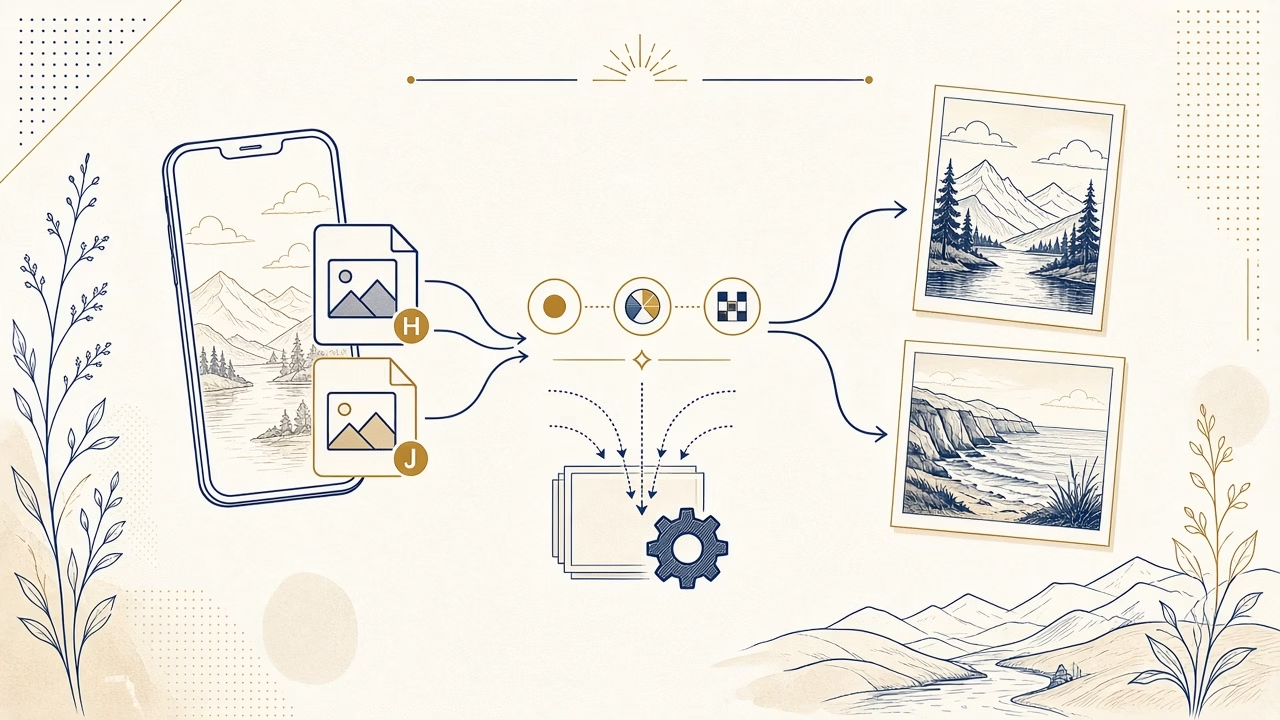
The best file for a photographic print is not determined solely by a .heic or .jpg suffix. Actual pixel dimensions, previous editing, an embedded colour profile and the laboratory’s ability to decode the file correctly all matter. HEIC often maintains strong visual quality with efficient storage, whereas JPEG remains the more universally compatible delivery choice. The sensible answer is a workflow decision, not a contest between extensions.
File format, container and compression
HEIC is a common extension for images stored in a HEIF container. A container can hold a primary image plus additional elements such as auxiliary images and metadata. Efficient coding reduces storage compared with older workflows, but that does not make every HEIC automatically superior to every JPEG. Camera processing, source resolution and export choices account for much of the quality that reaches a printer.
JPEG is a widely supported, compressed final format. At a high quality setting it can be excellent for normal photographic printing. Its compression is lossy, so repeated editing and resaving may accumulate artefacts. Preserve the original or a master file, complete adjustments there, and make one deliberate delivery export rather than passing the same JPEG through several applications.
Compatibility and cautious bit-depth claims
HEIF can technically support more complex representations, image sequences and greater bit depth than a standard eight-bit JPEG workflow. That fact does not prove that every individual iPhone image contains useful extra data in every application. Editing, sharing and export can involve tone mapping or bit-depth conversion. For a print provider, reliable interpretation by the production system matters more than a theoretical capability the workflow does not preserve.
Apple states that HEIF and HEVC support arrived on its platforms with iOS 11 and macOS High Sierra, and that these formats provide more efficient compression. Its current HEIF and HEVC guidance also explains that some sharing and USB-import routes may convert files to a more compatible format. Operating systems and transfer behaviour change, so check the current controls on your own device.
Convert properly, not with a screenshot
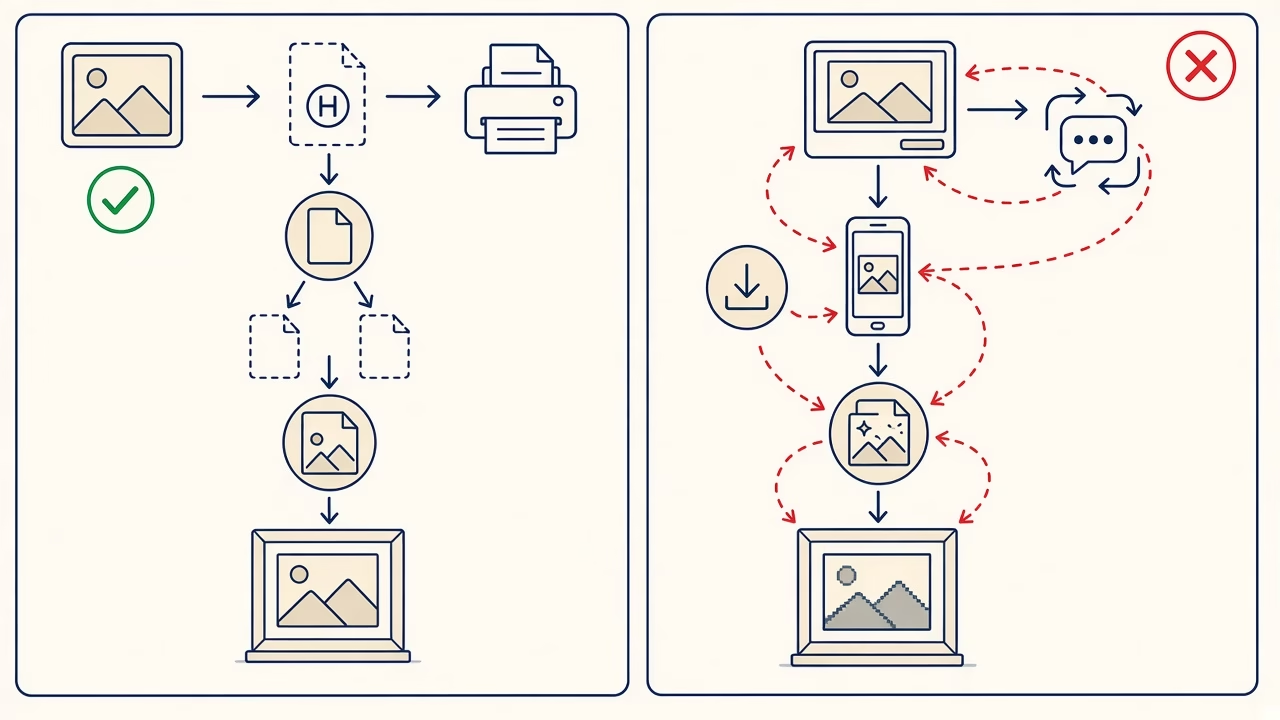
A screenshot is not a sound conversion method. It captures a rendered display view, potentially reduces pixel dimensions, alters colour or dynamic range, and strips metadata. Export from Photos, Preview or a trustworthy editor as a high-quality JPEG, preferably at original pixel dimensions and with embedded sRGB when the printing service requests that colour space.
After conversion, compare pixel dimensions, orientation and the appearance at 100 percent. Do not judge by megabytes alone: a larger file may contain bulky metadata, while a smaller one may simply use efficient encoding. Avoid unknown online converters for private family images because their retention practices may be unclear, and do not delete the HEIC original until the order has arrived and been checked.
Metadata, edits and Live Photos
Metadata can include date, orientation, camera information and sometimes location. Most of it does not improve print detail, although correct orientation is operationally useful. Before sharing, decide whether geographic data should remain. Removing sensitive metadata does not require a screenshot; modern systems usually provide controlled export or a share option that excludes location while retaining the photograph itself.
A Live Photo combines a still image with motion. The print lab needs the intended still, not an arbitrary frame captured from playback. If you have changed the key photo or applied library edits, export the finished appearance and confirm that the application delivered full pixel dimensions. Keep the original Live Photo separately if the motion has personal value.
iPhone settings are not one-size-fits-all
Apple’s Camera > Formats > High Efficiency option favours HEIF/HEVC and smaller storage use, while Most Compatible creates new captures in older, more widely accepted formats. This does not mean everyone should permanently switch to JPEG. HEIC is practical in a current ecosystem that preserves originals. Frequent delivery to older software may make JPEG capture or routine export more convenient.
Before ordering, ask what the particular service accepts. If an uploader rejects HEIC, produce a high-quality JPEG once from the original rather than using a copy recovered from a chat. Laboratory compatibility is more important than declaring a universal format winner. If both are accepted, send the version you have actually inspected and avoid duplicate uploads with uncertain edits.
A practical delivery checklist
Locate the original in the photo library, confirm that any cloud version has fully downloaded, finish crop and exposure adjustments, then export at full size. Check orientation, pixel dimensions and colour in a managed viewer. Give the file a useful name, keep the source backed up, and upload over a reliable connection. If the service reports an error, ask about support before trying a chain of converters.
Frequently asked questions
Is HEIC always better?
No. It can be more storage-efficient, but final quality depends on capture, processing, export and complete support throughout the printing workflow.
Does JPEG lose quality?
It uses lossy compression, yet one careful high-quality export from the source is normally well suited to photographic printing.
Can I send HEIC directly?
Only when the current ordering system and laboratory confirm support; otherwise make a compatible, high-quality JPEG directly from the original.
Why should I avoid screenshots?
A screenshot records the display rather than the source, risking fewer pixels, altered tone and the removal of potentially useful file information.
Which JPEG quality should I choose?
Use a high setting, retain original dimensions and export once. Repeated maximum-quality saves do not restore information lost earlier in the chain.
Should I retain the original HEIC?
Yes. Treat it as the source and create derivative JPEG files for destinations that need broad compatibility or a specific delivery format.
Does metadata affect the print?
Most metadata does not add visible detail, but orientation and colour profile can be useful; location deserves a deliberate privacy decision.
Does a larger file mean a better photograph?
Not necessarily. Compare genuine pixel dimensions, visible artefacts, processing history and source rather than relying only on the MB figure.
Should I select Most Compatible on iPhone?
Choose it when frequent JPEG compatibility is central to your workflow; High Efficiency may remain preferable when storage and modern support matter more.
What should I upload to Online Print?
Use a format the current service accepts, exported from the original at full dimensions and checked visually before starting the order.
HEIC support, iPhone settings and automatic conversions evolve, so consult current Apple documentation and the print provider’s latest upload guidance.
Follow us



Print online with our application
Prepare the right file for your print
Convert only when needed, retain the source and upload the inspected delivery version through Foto Panorama Online Print.



