
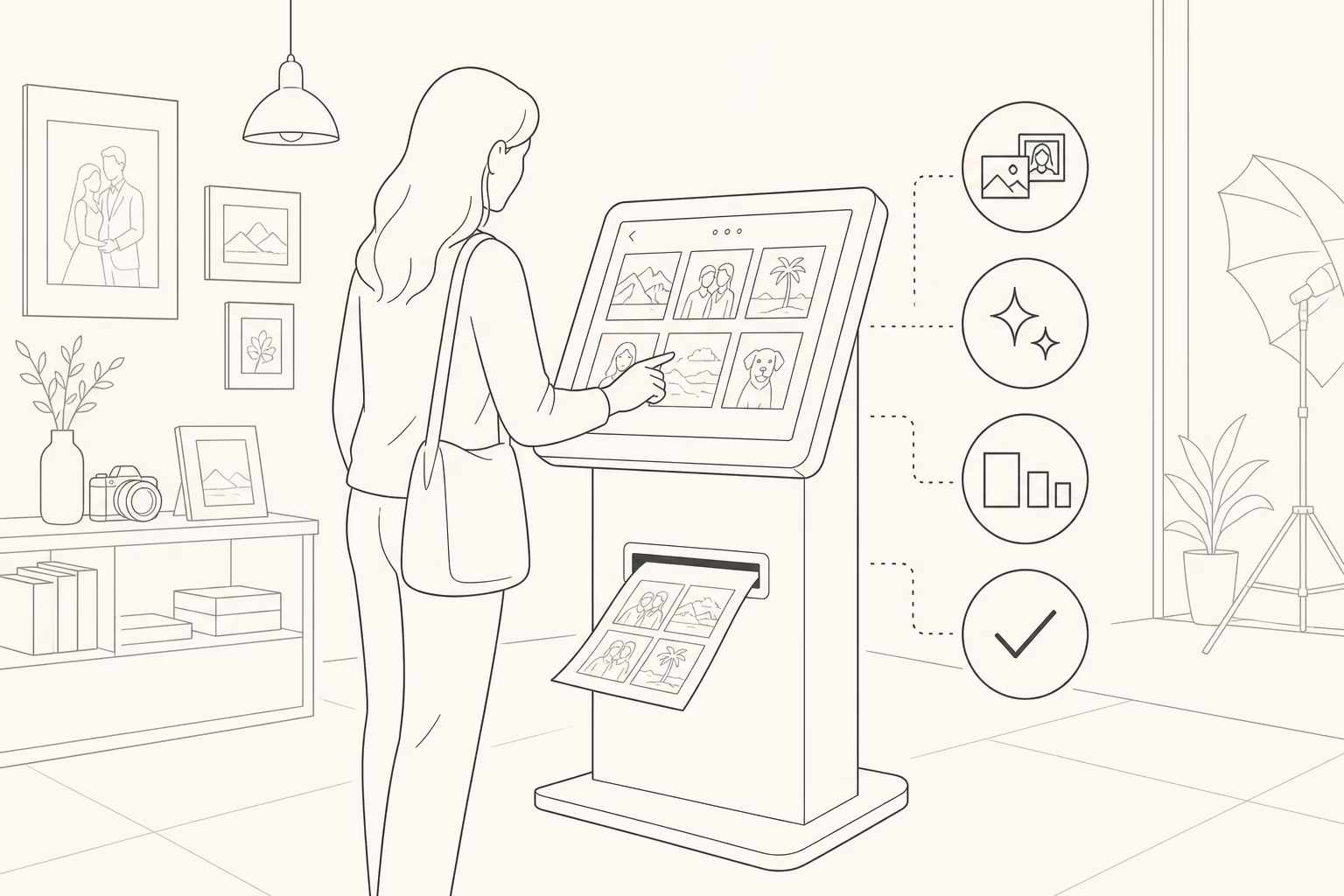
Panorama Studio introduces the new Panorama App — a customer photo-print kiosk designed exclusively for the needs of our store guests. This is not an off-the-shelf generic system: it was built around how customers actually print photos at our studio — fast, clear and without unnecessary steps.
Panorama App is available exclusively at the two Panorama stores for the first time. Walk in, load your photos, edit them in simple steps, choose print size and quantity, review the total — and once the store confirms your order, you typically have your prints in about 2 minutes.
What is Panorama App?
Panorama App is an in-store touchscreen kiosk for photo printing. Customers control the order flow themselves: from selecting files to confirming print. Store staff then confirm the order and production starts immediately in the lab.
We built it for the demanding customer: a clear interface, bilingual support, simple editing, optional beauty filters, transparent pricing by size and quantity, and truly fast delivery — without queues of confusion or ten spoken instructions for every visitor.
Why it was designed only for Panorama Studio
Many print kiosks are generic systems with awkward menus and workflows that do not fit a Greek photography studio. Panorama App is shaped by our experience since 1989: what families, tourists, young customers with phone galleries, and gift buyers really need when they want prints now.
- Store-first workflow — not a copy of foreign software
- Bilingual from day one: Greek & English
- Speed-focused — from selection to print in minutes
- Staff confirmation before final production
- Panorama lab quality — the print standards you already know
Available only at the 2 Panorama stores
The kiosk app is available exclusively in both physical Panorama stores. This is the first time we roll it out to customers — in-store, with immediate printing and staff confirmation.
If you want same-day prints without uploading from home and waiting for shipping, the Panorama App kiosk is the fastest in-store experience.
Bilingual: Greek and English
Panorama App is fully bilingual. Choose Ελληνικά or English on the first screen — ideal for international guests and tourists in Volos who want instant prints from a phone or USB without needing translation help.
How it works — step by step
1. Select your photos
Load your photos on the kiosk (for example from USB or device, depending on store setup). Choose which images to print — one or many — before editing.
2. Simple editing
Adjust framing and appearance in simple steps. No Photoshop skills needed: the touchscreen UI is built for customers who want results right away.
3. Optional beauty filters
If you like, enable beauty filters for a softer, flattering look — great for portraits, selfies and gift prints. Prefer a natural look? Continue without filters.
4. Print size and quantity
Choose the print size and the quantity of copies for each photo. You can combine sizes in one order, depending on available kiosk options.
5. Total and print
Review the order total clearly. If you agree, tap Print. The store confirms the order and production starts — prints are usually in your hands in about 2 minutes.
Who is Panorama App for?
- Families who want instant prints for albums and frames
- International guests & tourists — full English interface
- Young customers who prefer self-service on a touchscreen
- Professionals needing a few quick prints
- Anyone in a hurry — prints in about 2 minutes after confirmation
Advantages over a traditional counter order
- You control selection, editing and quantities
- Price transparency before you print
- Beauty filters when you want them
- Bilingual UI without waiting for translation help
- Store confirmation for correct production
- Fast delivery — about 2 minutes
Photo printing in Volos — with Panorama quality
Panorama Studio is known in Volos and Magnesia for photo prints, school memories, weddings, baptisms and professional work. Panorama App brings that lab experience to a modern self-service screen — without losing human confirmation from the store team.
If you are looking for photo printing in Volos, a photo print kiosk, or fast USB / phone prints, the two Panorama stores are now the most direct destination.
FAQ
Do I need to download an app on my phone?
No. Panorama App runs as an in-store kiosk. You use the studio touchscreen for this flow.
Can I print if I do not speak Greek?
Yes. The app supports English from the first screen so international customers can complete the order themselves.
How fast are the prints ready?
After store confirmation, prints are usually ready in about 2 minutes (depending on volume and quantity).
Are beauty filters mandatory?
No. Beauty filters are optional. Leave them off for a natural result.
Come try it
Panorama App is already available only at the 2 Panorama stores. Visit the studio, try the kiosk and take your prints home in minutes.
For info and opening hours: +30 24210 29717 · info@fotopanorama.gr · fotopanorama.gr
Also read: myPhoto online · Panorama Studio



