
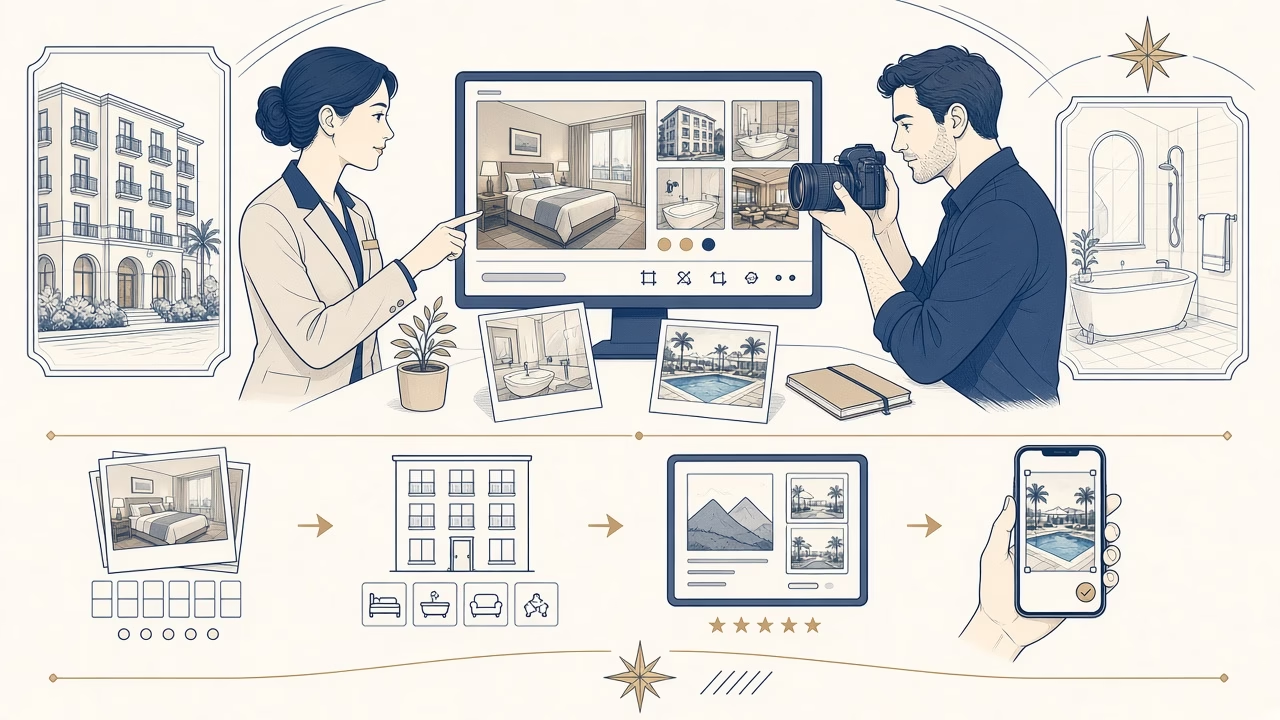
Photos on Booking.com do more than decorate a listing. They tell a guest what is actually available, how spaces relate to one another, and which room they are about to reserve. A sound workflow starts with accuracy, then addresses sequence, light and technical quality. Platform guidance evolves, so a current check of Partner Help and the Extranet takes priority over any old blog post, screenshot or remembered upload rule.
Accuracy before impact
Every picture should correspond to the property as it exists. Do not digitally remove permanent obstructions, stretch a room with an extreme wide angle, or imply that a shared amenity is private. Careful photography may tidy the scene, choose a flattering viewpoint and make restrained tonal or colour corrections. It should not manufacture a promise that the guest will discover is false on arrival.
Timing matters as well. After renovations, furniture changes, altered views, new bedding or amenity updates, review the entire collection and retire obsolete images. Record which spaces are seasonal. A pool, garden or fireplace can be useful content, but captions and listing details should clarify availability rather than rely on suggestive framing. Accuracy protects expectations and makes the gallery easier for staff to maintain.
Dimensions, orientation and clean files
The public Partner Help page available when this guide was prepared recommends clear, high-resolution landscape photos and gives current minimum or preferred values. Those figures are platform guidance at a point in time, not an immutable photographic law. Check the same official page before a fresh export because Booking.com may revise limits, file types or display behaviour. Keep the full camera originals, then create high-quality JPEG exports at genuine pixel dimensions without needless upscaling.
Landscape framing generally uses listing cards and gallery areas efficiently, but that is not a reason to damage every vertical composition. Shoot slightly wider at capture, retain safe space around beds and furniture, and inspect thumbnail, mobile and desktop crops. Judge sharpness from real pixels rather than a DPI metadata label. Camera shake, severe noise, blown windows and heavy compression are not repaired simply by declaring a larger resolution value.
Cover choice and a coherent sequence
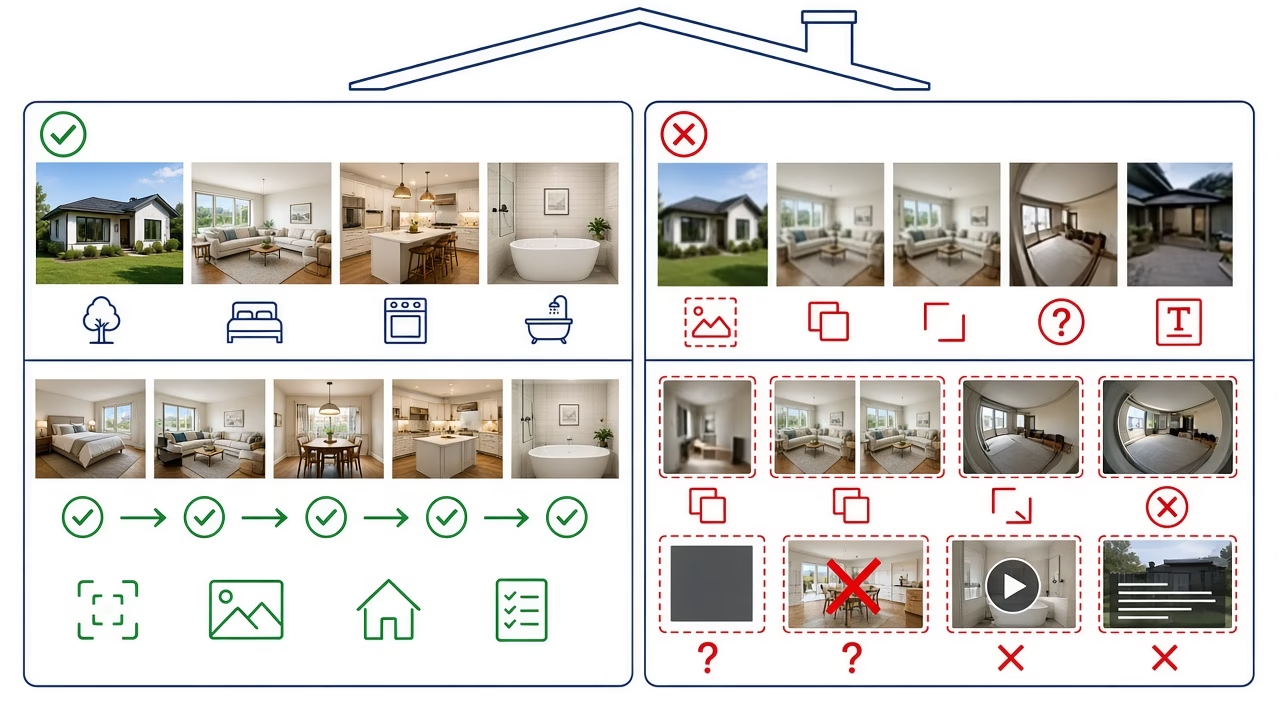
The main image should be understood at once: a representative principal room, a clear exterior, or the genuine feature that distinguishes the stay. There is no universal sequence for a city hotel, villa and small guesthouse. A useful starting point is to show the strongest informative views first, then move through primary spaces, bedrooms, bathrooms, supporting amenities and details in an intelligible route.
Partner Help describes manual reordering and, where available, Smart ordering. If automated ordering is enabled, inspect the live result as a guest and do not assume that every device presents an identical sequence. The opening pictures should not be five nearly interchangeable angles. Each frame should add information about scale, outlook, sleeping arrangement, kitchen provision or another feature that affects a booking choice.
Assign every photo to the correct room type
A frequent and consequential error is placing a premium-room image in a standard-room gallery. Booking.com advises that room or unit galleries show only facilities present in that room or unit type. Build a shot list by category, note physical room numbers only in the internal workflow, and deliver files in clearly named folders. If two categories share a space, describe that relationship instead of visually implying exclusive access.
For each category, cover what a guest needs to evaluate: beds and possible arrangement, bathroom, windows or balcony, storage and decision-relevant amenities. A close-up of coffee does not replace an overview of the kitchen. A view without the window frame may appear detached from the actual room. Captions, photo tags and the amenities selected in the listing should agree with what the photographs communicate.
Quality control before and after publishing
Before upload, remove duplicates, watermarks, personal information, visible vehicle plates and screens that expose data. Check vertical lines, plausible colour, clean mirrors and continuity between frames. Upload by section, verify room assignments, and retain a local archive of approved exports. Because a platform can process images after submission, review the online rendition rather than relying only on the studio file.
Open the public listing while signed out, using both a phone and a computer. Inspect the cover, crops, order, labels and every room type. If changes are not immediate, follow current Partner Help rather than repeating uploads blindly. A scheduled photographic audit before a new season is a sensible professional recommendation, not a stated Booking.com requirement. Note the review date so the next person knows what was checked.
Frequently asked questions
Is there one mandatory photo dimension that never changes?
No enduring value can be promised. Partner Help publishes current technical guidance, but platform specifications can change. Check the official page and your Extranet before exporting or rebuilding the property gallery.
Must every photograph be horizontal?
Booking.com currently recommends landscape images for platform presentation. Capture with safe margins and review generated crops. Do not force a vertical frame into a poor horizontal crop if it removes decision-relevant information.
What should the cover photo show?
Choose a bright, accurate and immediately legible view of the principal space or genuine defining feature. A decorative close-up may look attractive, but it is a weak cover when it does not explain the stay.
Is there a perfect gallery order for every property?
No. Begin with distinct informative views, then create a logical journey through shared areas, room categories, bathrooms and actual amenities. Review the published result because automated or responsive presentation may affect the sequence.
Can a superior-room image appear in every room gallery?
Not when a guest could infer that those features belong to the booked category. Room galleries should contain only the spaces and facilities associated with that room or unit type.
How much editing is appropriate?
Restrained exposure, colour and perspective correction can clarify a scene. Added views, removed permanent obstacles or exaggerated proportions make the listing inaccurate. Keep the result plausible and explain genuinely seasonal conditions in listing text.
Should the camera originals be retained?
Yes, as a production practice. Full originals support later exports when specifications or crops change. Neither Booking.com nor another publishing platform should serve as the only repository for valuable property photography.
What happens after furniture or amenities change?
Replace affected photographs and remove versions that no longer represent the guest experience. Review captions, amenity selections and room descriptions at the same time so that pictures and structured listing information remain consistent.
Are many angles of one room enough?
Quantity cannot replace coverage. Use enough angles to explain layout and scale, then include bathrooms, entrance, exterior and important facilities. Avoid repetitive frames that consume early gallery positions without adding useful evidence.
When is professional property photography worthwhile?
It is useful when consistent lighting, controlled perspective, multi-room shot planning and reusable deliverables are needed. Professional production can improve clarity and presentation, but it cannot honestly guarantee ranking, occupancy or bookings.
Sources and further reading
- Booking.com Partner Help: Understanding photo requirements
- Booking.com Partner Help: Uploading, deleting, reordering and editing photos
Follow us



Professional property photography
Need a consistent property gallery?
We plan commercial property photography with a room-type shot list and deliverables suited to your current publishing needs. Contact us to discuss the space without promises of ranking or reservations.



