
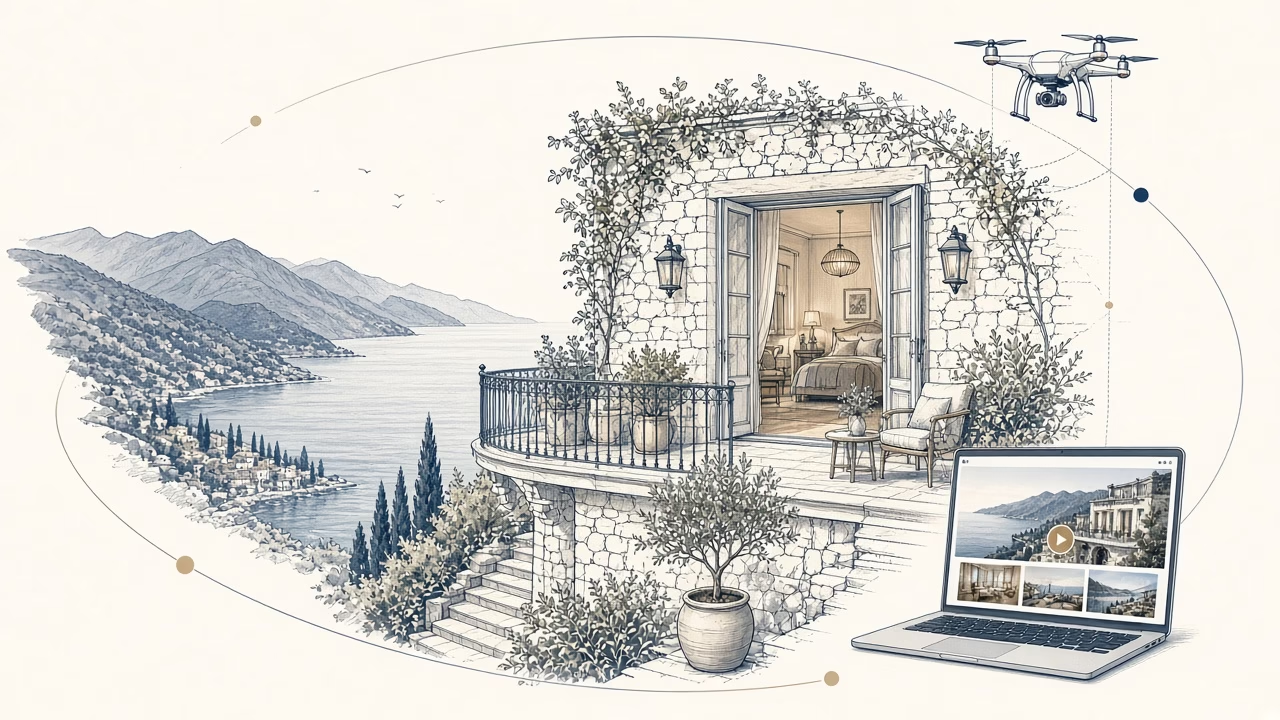
On Booking.com and Airbnb, travellers usually see images before they study the details. Professional photography cannot guarantee reservations, repair weak service or compensate for unsuitable pricing and missing amenities. It can present a property clearly, reduce uncertainty and help a traveller decide whether the accommodation meets their needs. Accuracy is more valuable than spectacle: images should establish the right expectations rather than manufacture an experience that guests will not find.
How photographs influence clicks, trust and booking decisions
A clear lead image can make a listing easier to understand among many options. A consistent sequence then helps a potential guest assess layout, size, light, outlook and essential amenities. When photographs answer practical questions, the viewer can make a better-informed comparison and may feel more confident about continuing to the listing details.
Photography never operates alone. Location, reviews, availability, price, terms and the complete guest experience all affect choice. Strong images support presentation and trust without promising a particular ranking, click-through rate or reservation result. They should be treated as one important part of an honest commercial strategy.
Airbnb photography in Volos
A city apartment needs to explain quickly how it works. It requires broad views of the living area and bedrooms, a clear account of the kitchen and bathroom, and practical features such as a workspace, balcony or access. In Volos, the property’s relationship with its surroundings can be described truthfully without unsupported claims about distances, views or neighbourhood attractions.
Preparation is decisive: clean surfaces, pressed textiles, working lamps, few personal possessions and the genuine guest layout. Excessive props make rooms look smaller and can distract from useful features. The photographs should show what visitors will encounter, not a temporary stage set removed immediately after the camera has gone.
For additional practical advice, consult Airbnb’s official guide to taking listing photographs.
Hotel photography in Pelion
A Pelion hotel usually needs a wider visual narrative: exterior and arrival, distinct room categories, shared spaces, breakfast or dining where provided, outlooks and seasonal features. Mountain settings, architecture and changing light demand an organised timetable. One visit cannot always represent every season, so the finished content should remain accurate about what was photographed.
Before production, identify which rooms truly represent each category and which amenities are available to all guests. A view, facility or feature should not appear universal when it belongs only to one room type. This discipline protects trust and helps the hotel team attach the right images to the right inventory across different channels.
How to photograph an Airbnb properly
- Complete cleaning and maintenance. Resolve visible small repairs before the session rather than expecting retouching to hide them.
- Remove clutter. Put away cables, cleaning products and personal items while retaining the amenities genuinely supplied to guests.
- Use the guest layout. Arrange furniture as visitors will find it, making circulation and function easy to understand.
- Choose the right time. Plan around orientation, available daylight, external activity and the building’s operation.
- Keep perspective balanced. Natural verticals and restrained wide angles describe rooms more honestly than extreme distortion.
- Create a logical sequence. Let the image order follow arrival and movement through the property.
- Record useful details. Include features that genuinely distinguish the accommodation and support a booking decision.
Open or close doors consistently, remove conflicting seasonal decorations and check reflections before each frame. Beds should be made to the standard used for guests. If an amenity is available only on request or at extra cost, photography and accompanying copy should not imply that it is included automatically.
Ten common Airbnb photography errors
- Dark rooms. Underexposure conceals function and can make a well-maintained room feel uncertain.
- Blown highlights. Empty white windows do not communicate a view and make the image feel artificial.
- Extreme wide angles. Heavy distortion can create a misleading impression of floor area and proportions.
- Visible clutter. Cables, bottles and creased textiles draw attention away from the property.
- Details without context. Close-ups cannot explain layout unless broad room views are also supplied.
- Missing bathrooms or access. Omitting essential areas may make viewers suspect that a problem is being concealed.
- Inconsistent colour. Mixed colour casts break the sequence and obscure the finishes guests will actually see.
- Outdated photographs. Images predating renovation or furniture changes establish inaccurate expectations.
- An irrelevant lead image. A decorative object rarely communicates the property’s principal value as a small thumbnail.
- Excessive editing. Unreal colours, inserted skies or altered views weaken credibility and can misrepresent the stay.
Booking.com image requirements and best practice
Platform specifications can change, so managers should always consult the official, current Booking.com photo requirements before uploading. In practical terms, use sharp horizontal images with sufficient resolution and avoid watermarks, large text, borders or collages that interfere with understanding. Remove duplicates and select a lead photograph that remains clear when displayed as a thumbnail.
Attach truthful images to every real room category. Show the bed, bathroom, living area, exterior and significant facilities from complementary viewpoints. Captions, where supported, should say precisely what is shown. Review the listing after renovation, furniture replacement or changes to amenities, and remove pictures that no longer describe the guest experience accurately.
A coherent set is more useful than a large, repetitive upload. Begin with the strongest accurate overview, establish the principal rooms, then add facilities and details. Maintain consistent brightness and colour while allowing spaces to retain their actual atmosphere. If platform cropping changes the lead image, check the live presentation on both larger and smaller screens.
360° virtual tours
A 360° virtual tour allows visitors to explore relationships between spaces at their own pace. It can be particularly useful for suites, event venues, reception areas and complex layouts. It does not replace selected still photographs on booking platforms; it complements them, especially on the property’s website or other compatible channels.
Production requires complete tidying, a check of mirrors and reflective surfaces, closure of staff-only areas and careful planning of navigation points. Because viewers may look in every direction, nothing can simply be placed behind the camera. Panorama Studio provides 360 virtual tours and can include them within a coordinated visual-content plan.
Drone photography when it explains the setting
Aerial work can show where a property sits, how buildings relate to outdoor facilities and the character of the broader setting. It is not essential for every accommodation and should never imply private access or proximity that does not exist. Any session depends on legality, safety, the location and actual weather conditions; flight and imagery cannot be promised regardless of those constraints.
A practical production workflow
- Briefing: define audiences, publishing channels, room categories and the property’s genuine commercial priorities.
- Survey: build a shot list and record orientation, access, restrictions and operational hours.
- Preparation: complete cleaning, maintenance, styling and staff communication before the photographer begins.
- Production: schedule rooms around light and availability, checking each key space before moving on.
- Selection and editing: correct exposure, colour and geometry without changing material characteristics or views.
- Delivery: export files for agreed uses and organise them with names the property team can understand.
- Review: assess the library whenever rooms, services or brand presentation change.
Essential shot list
- Exterior, entrance, signage and the guest’s route of arrival.
- Every genuine room category through broad views and useful supporting details.
- Bathrooms, storage, kitchen or kitchenette and workspace where present.
- Reception, lounge, breakfast, restaurant and other shared spaces actually in operation.
- Balconies, terraces, gardens, pool and facilities exactly as they are offered.
- Accessibility and practical amenities that a visitor needs to understand before choosing.
- Distinctive design details and people only where properly organised and consented.
The list should then be adapted. A family apartment may need sleeping configurations and kitchen storage; a boutique hotel may need several room distinctions; an event property may need capacity layouts without making unsupported capacity claims. A briefing prevents attractive but commercially incomplete coverage.
Preparing the property team
Assign one decision-maker who can confirm room readiness and approve small changes during production. Housekeeping should know the order of rooms, reception should understand any temporary restrictions, and maintenance should remain available for lights or fittings. If food, models or lifestyle scenes are required, agree responsibilities and consent before the session. This preparation saves time and preserves a consistent standard.
After delivery, keep a simple image register stating the room, category, orientation and permitted channels. This reduces accidental misuse, such as attaching a suite view to a standard room. Store master files securely, while uploading appropriately prepared copies to each platform. Do not repeatedly compress downloaded social-media versions.
One partner by your side for complete promotion
A property’s commercial identity does not end with photography. Panorama Studio can coordinate professional hotel or Airbnb photography, drone imagery and a 360° virtual tour so that the different formats share a clear direction. For physical promotion, printed cards can be produced through printforyou.gr, connecting the same visual identity with useful printed material.
Panorama can also create a website and provide reliable ongoing support and maintenance. This gives the business one partner by its side across photography, aerial context, virtual exploration, print and its owned online presence, with coordinated decisions instead of disconnected commissions. The responsible promise is organised production and continuing support, not a guaranteed number of bookings.
Frequently asked questions
1. Does professional photography guarantee more bookings?
No. It can improve clarity, first impressions and confidence, but reservations also depend on price, location, reviews, availability, facilities, service and demand.
2. How long does a property session take?
It depends on room numbers and categories, styling, available light, operations, drone work and a 360° tour. Request a personalised commercial proposal based on the real scope.
3. Must the hotel close during photography?
Not necessarily. Selected rooms and shared areas must, however, be clean and available, with a schedule that avoids needless interruption and protects guest privacy.
4. Should people appear in hotel photographs?
It depends on the style and intended uses. People can communicate scale and experience, but require casting, consent and careful organisation. They are not necessary in every frame.
5. Can you photograph a Volos Airbnb or a Pelion hotel?
Panorama Studio provides commercial photography for hotels and Airbnb properties. Locations, access, room numbers and the full production scope are recorded before a proposal is prepared.
6. Does a 360° tour replace still photographs?
No. A tour explains spatial relationships, while selected photographs provide a quick narrative and work well in platform galleries. Used together, they answer different questions.
7. When should property photographs be renewed?
Update them after meaningful renovation or changes to furniture, decoration or amenities, and whenever the existing library no longer represents the stay accurately.
8. Can Panorama Studio also arrange a website and print?
Yes. Panorama can create a website with ongoing support and maintenance, while promotional cards are produced through printforyou.gr. Contact the studio to discuss the complete brief.
Request a proposal for your property
Prepare the number and categories of rooms, intended channels, location and requirements for drone, 360°, print or a website. Then request a the English contact page to discuss a coordinated production.



